CapCut
CapCut is the most capable free video editor on the planet, stacked with AI tools and templates. The privacy and ownership questions hanging over it are the price of admission.
The Spinoza Score
Reviewed by Kamran Arshad. See how we evaluate · Updated 2026-07-13.
- Category
- video editing
- Starts at
- Free
- Platforms
- —
- Launched
- Apr 2020
- Last reviewed
- 2026-07-13
Astonishingly powerful and free, with an AI toolkit most paid apps cannot match. Just know who owns it and what its terms claim before you pour your best work in.
CapCut is the editor that ate short-form video. It is free, it runs on your phone or browser, and it bundles auto-captions, AI voices, background removal, and script-to-video tools that would cost real money elsewhere. For most creators it is genuinely all they need. The complications are about trust rather than features. ByteDance owns it, an early-2025 terms update claimed sweeping rights over user content and likeness, and US availability wobbled during the TikTok ban. The software is excellent. Whether to use it is partly a judgment call about how much you trust where your footage ends up.
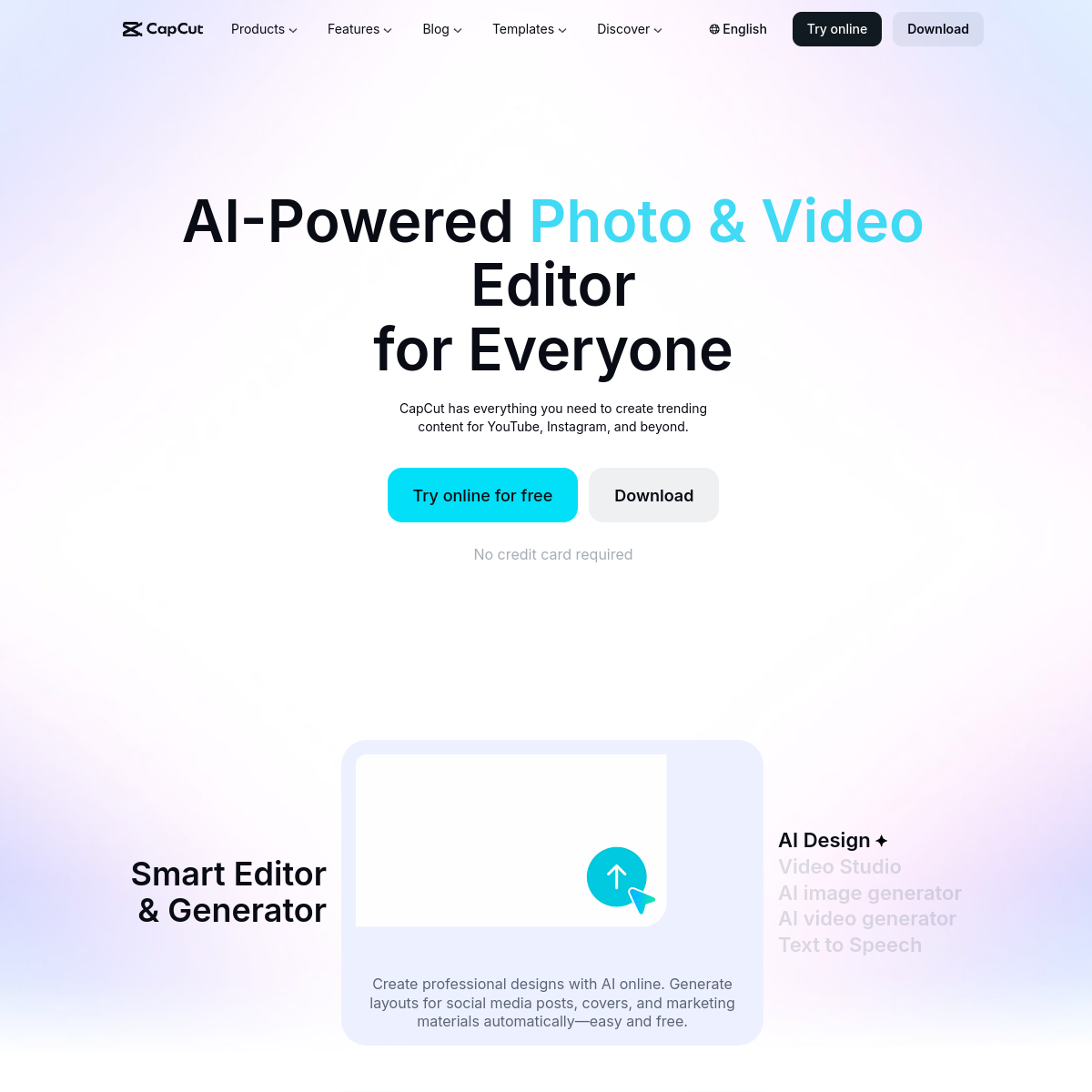
What CapCut actually looks like
Scroll inside the panel to see the full homepage. Live screenshot — updates as the product evolves.
- Short-form social video
- Creators on a zero budget
- Fast captions and edits on mobile
- First drafts of talking-head content
- Work you need ironclad ownership of
- Privacy-sensitive footage
- Studios needing pro color and audio depth
What CapCut Does Best
AI captions and subtitles
Auto-generate accurate captions in seconds, with animated styles built for TikTok and Reels. This is still the feature most people open CapCut for.
Script to video
Paste a script and CapCut assembles a rough cut with stock footage, voiceover, and captions. A fast route to a first draft for talking-head and faceless content.
AI avatars and voices
Generate a digital presenter or a text-to-speech voiceover without filming or recording. Useful for product clips and ads, though the avatars can still read as synthetic.
Templates and one-tap effects
Thousands of trend-ready templates, transitions, and effects that drop your clips into a polished format. This is what makes a beginner’s first edit look good.
Auto-captions
Accurate, styled captions in a single click.
Template library
A huge library of trending templates, effects, and transitions.
How CapCut scores across the five Spinoza metrics. How we score →
- Overall
- 4.3/5
- Editing Power
- 4.4/5
- AI Features
- 4.4/5
- Ease of Use
- 4.7/5
- Export Quality
- 4.2/5
- Value
- 3.6/5
CapCut Pricing Plans
The core editor is free with no watermark on standard exports. CapCut Pro is roughly $10 a month, cheaper annually, and unlocks the premium AI tools. Prices and regional availability shift, so check the current plan in your country.
Full editor, captions, and most tools with no export watermark.
Premium AI features, effects, cloud storage, and team options.
Frequently Asked Questions
Is CapCut really free?
Yes. The core editor and most everyday tools are free, with no watermark on standard exports. Some AI features and premium effects sit behind CapCut Pro, which runs around $10 a month.
Is CapCut safe to use?
The app works as advertised, but it is owned by ByteDance, and an early-2025 terms-of-service update claimed broad rights over the content and likeness you upload. If your footage is sensitive or you need full control over rights, read the current terms carefully before using it.
Was CapCut banned in the US?
CapCut briefly went offline in the US in January 2025 alongside the TikTok ban saga, then came back. As of 2026 it is available, though its long-term US status depends on how the broader ByteDance situation resolves.
What can CapCut’s AI do?
Auto-captions, text-to-speech voices, AI avatars, background and object removal, script-to-video assembly, and turning long videos into short clips. It covers most of what a solo creator needs.
Is CapCut Pro worth it?
If you lean on the AI features, premium effects, or cloud storage, Pro is inexpensive for what it unlocks. Casual editors rarely hit the limits of the free tier.
Ready to try CapCut?
It is free to start, so you can judge the editor and the trade-offs yourself.
Outbound link may be tracked. See affiliate disclosure.