Descript
Descript lets you edit video and audio by editing the transcript, like a doc. Best for podcasts, talking-head videos, and repurposing.
The Spinoza Score
Reviewed by Kamran Arshad. See how we evaluate · Updated 2026-07-13.
- Category
- video editing
- Starts at
- Free
- Platforms
- —
- Launched
- Jan 2017
- Last reviewed
- 2026-07-13
The most original editor in the category. If you talk to camera or mic, nothing else feels this fast.
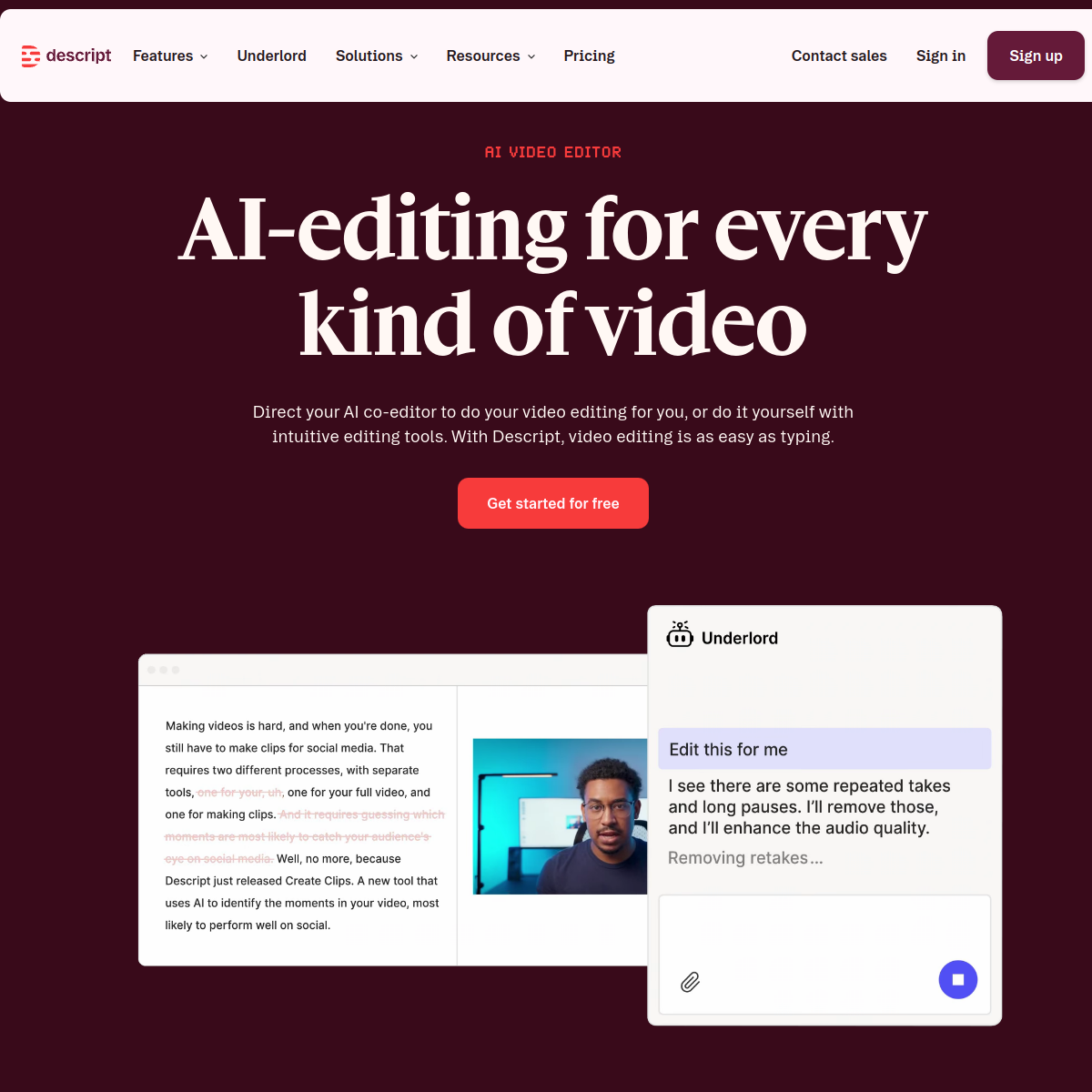
Descript turns your recording into a text transcript, then edits the media when you edit the words: delete a sentence, delete the footage. Add its AI voice cloning, filler-word removal, and eye-contact correction, and a whole class of content, podcasts, tutorials, talking-head clips, gets dramatically faster. It's not a timeline editor for cinematic work; for spoken-word content, it's a genuine unlock.
What Descript actually looks like
Scroll inside the panel to see the full homepage. Live screenshot — updates as the product evolves.
- Podcasts and talking-head video
- Repurposing long recordings
- Fast, text-first editing
- Cinematic timeline editing
- Heavy motion graphics
What it actually does
Edit by transcript
Your recording becomes text; delete words and the video or audio cuts with them.
Filler-word removal
Strip every um and uh across an hour of audio in one click.
AI voice + Overdub
Clone your voice to fix a line by typing, no re-recording.
Studio Sound & eye contact
AI cleanup that makes home recordings sound and look studio-grade.
Screen recording
Record your screen and camera right inside the app.
Publish & export
Publish or export in the formats each platform needs.
Composite of hands-on testing and editorial review — five dimensions, each rated 0–5 against the same published rubric for every tool in the category. How we score →
- Overall
- 4.5/5
- Editing Power
- 4.4/5
- AI Features
- 4.7/5
- Ease of Use
- 4.6/5
- Export Quality
- 4.3/5
- Value
- 4.3/5
What it costs, by tier
Free tier to start; paid from around $24/mo (billed yearly). Confirm current pricing.
Limited hours to try it.
More hours, AI features, and exports.
Frequently Asked Questions
What is Descript best for?
Podcasts, talking-head videos, and tutorials: anything spoken. You edit the transcript and the media follows.
Descript or CapCut?
Descript for spoken-word content and text-based editing; CapCut for fast-cut social video and effects.
Is Descript free?
Yes, there's a free tier. Paid plans start around $24/mo for more hours and features.
Can Descript clone my voice?
Yes, Overdub clones your voice so you can fix a line by typing instead of re-recording.
Ready to try Descript?
Edit video and audio as easily as editing a doc.
Outbound link may be tracked. See affiliate disclosure.