Figma Weave review
Figma Weave
#4 of 13Figma's AI creative canvas. Weave chains image and video models such as Seedance, Veo and Flux in node-based workflows, next to Figma's own AI design tools.
Our take
The best AI workflow for design teams: generative image and video on a node canvas, inside the tool they already use.
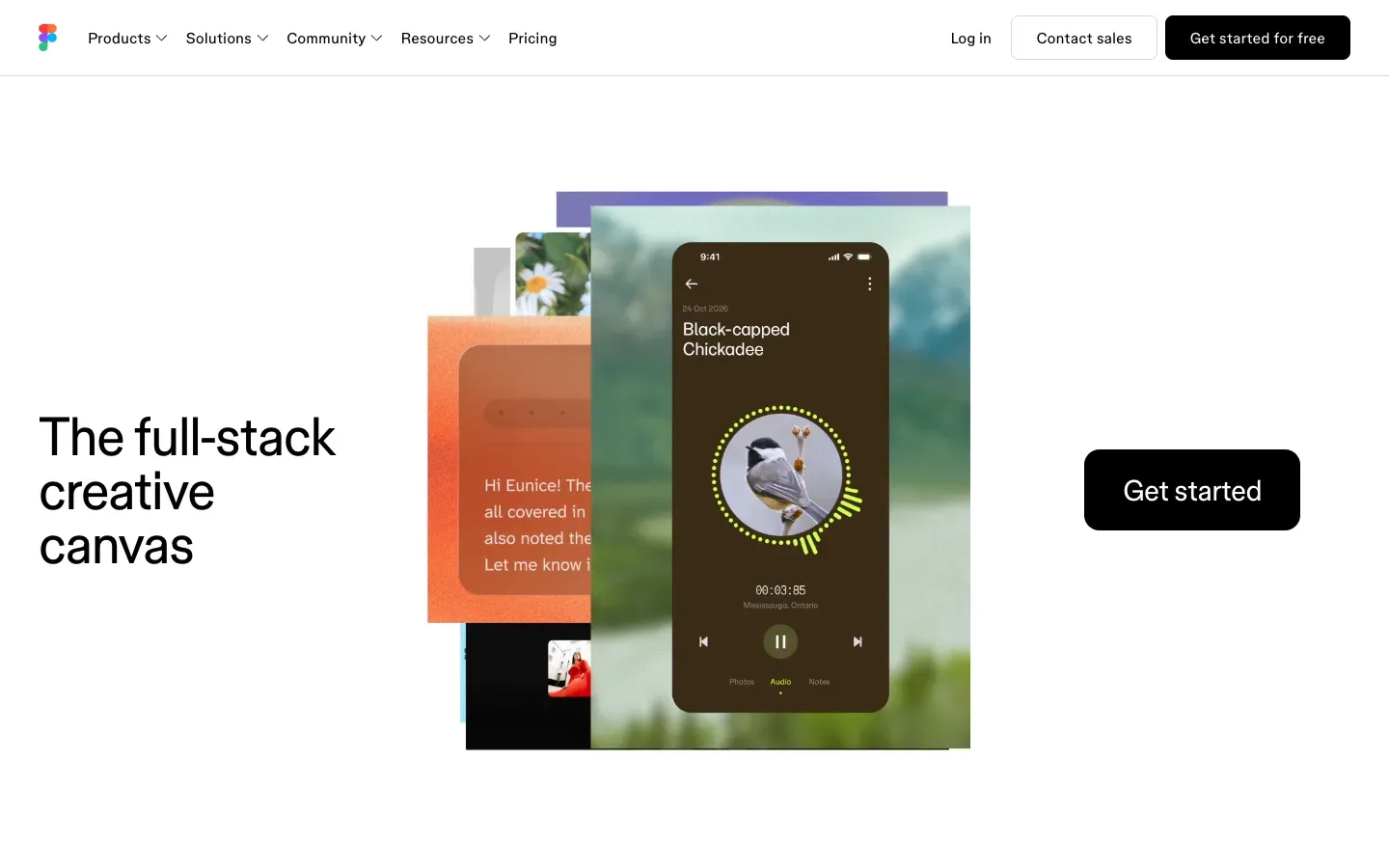
Figma bought Weavy in 2025 and turned it into Figma Weave, a node-based canvas where you chain image and video models such as Seedance, Veo and Flux into repeatable creative workflows. It sits next to Figma's own AI design features, so teams can generate, edit and lay out assets without leaving Figma. Most design teams will get what they need from AI without a separate tool, and that integration is worth more than any single feature.
Why it wins
- Doesn't reinvent the wheel: it adds AI workflows to the design tool teams already use.
- Node workflows that chain image and video models are the headline feature.
- Generative variants for icons, copy, layouts.
- Video models need a paid Weave plan; Free is image-only.
- 4.3
- Score
- #4 of 13
- Rank
- Free
- From
Who Figma Weave is for
Check which side sounds like you.
Core capabilities
What Figma Weave does best
The Spinoza Score
How Figma Weave scores as an AI creative suite for node-based image and video workflows, rated on output quality, model access, user experience, trust and reliability, and value for money. Every score comes from hands-on testing on real projects.
- Overall
- 4.3/5
- Output Quality
- 4.6/5
- Model Access
- 4.5/5
- User Experience
- 4.4/5
- Trust & Reliability
- 4.2/5
- Value for Money
- 4.0/5
 Play video (opens in a new tab)
Figma Weave pricing
Free
$0one-time
- 150 credits a month
- Image models only, no video
- 5 workflows
- Commercial license
Starter
$24/ month
Designers.
- 1,500 credits a month
- Video models (about 7 min)
- Commercial license
- $202 billed yearly
Professional
$45/ month
Teams.
- 4,000 credits a month
- Video models (about 18 min)
- 3-month credit rollover
- $378 billed yearly
What users say about Figma Weave
The themes users repeat most.
What people like
Generate visuals inside your Figma files
What people complain about
Node workflows take practice to learn
Figma Weave alternatives
Close rivals, ranked by score. A compare link opens a side-by-side.
Figma Weave on The Spinoza Journal
Guides, tests and news we have published about it.
Common questions about Figma Weave
Is Figma Weave worth it?
Yes, Figma Weave is worth it for design and creative teams that want repeatable AI image and video workflows. It scores 4.3 on our Spinoza Score, with high marks for model access and output quality and a lower one for value for money. Starter at $24 a month is enough to test video; heavier production work belongs on Professional at $45. The node canvas takes some practice to learn.
What is Figma Weave best for?
Figma Weave is best for building reusable AI creative pipelines on a node canvas. You chain image and video models such as Seedance, Veo and Flux with prompts, references and edits, then rerun the same workflow on new products or briefs. It suits brand, ad and design teams producing many on-brand assets, and it sits next to Figma, so results move into design files easily.
How much does Figma Weave cost?
Figma Weave costs $0 on Free, $24 a month for Starter (1,500 credits), $45 for Professional (4,000 credits) and $100 for Max (10,000 credits). Billed yearly, Starter is $202, Professional $378 and Max $840. Team costs $504 per user a year with 4,500 credits each, and Enterprise is custom. Weave is billed separately from a regular Figma subscription.
Is Figma Weave free?
No, not for real production work. Figma Weave has a Free plan with 150 credits a month, image models, 5 workflows and a commercial license, but it includes no video models and you cannot buy top-up credits on it. It is enough to learn the node canvas and test image output, and you need Starter at $24 a month or higher for video.
How do I cancel my Figma Weave subscription?
Cancel from your Figma Weave account's plan and billing settings, where the plan owner can downgrade to Free. On regular Figma plans, cancelling moves you to the free plan at the end of the billing period, so you keep paid access until then. Team members cannot cancel a team plan themselves, so an admin has to do it. For refunds or charges after cancelling, contact Figma support.
Is Figma Weave included in a Figma subscription?
No, Figma Weave has its own plans and credits, so a Figma Professional or Organization seat does not include full Weave access. Figma's main plans do include a Weave tools option to generate images inside Figma files, drawing on Figma's AI credits. For video models and full node workflows, you need a separate Weave plan from $24 a month.
Can I use Figma Weave output commercially?
Yes, every Figma Weave plan, including Free, comes with a commercial license for what you generate. That covers client work, ads and product imagery. The usual limits still apply: you are responsible for the prompts and reference images you upload, so do not feed it logos, likenesses or artwork you do not have the rights to use.
Try Figma Weave
There is a real free tier, so you can test the verdict yourself in five minutes.