Filmora
Filmora is a friendly desktop editor with a real timeline and a growing set of AI tools. Best for creators who want power without a pro learning curve.
The Spinoza Score
Reviewed by Kamran Arshad. See how we evaluate · Updated 2026-07-13.
- Category
- video editing
- Starts at
- Free
- Platforms
- —
- Launched
- Jan 2015
- Last reviewed
- 2026-07-13
The best middle ground between easy and capable. A proper timeline editor without the intimidation.
Filmora gives you a real desktop timeline, effects, and a deep template library, wrapped in an interface far gentler than Premiere. Its AI tools, smart cutout, motion tracking, text-to-video, keep expanding. For YouTubers and creators who've outgrown phone apps but don't want a steep NLE, it hits a sweet spot. Power users will still reach for Premiere or DaVinci; most creators won't need to.
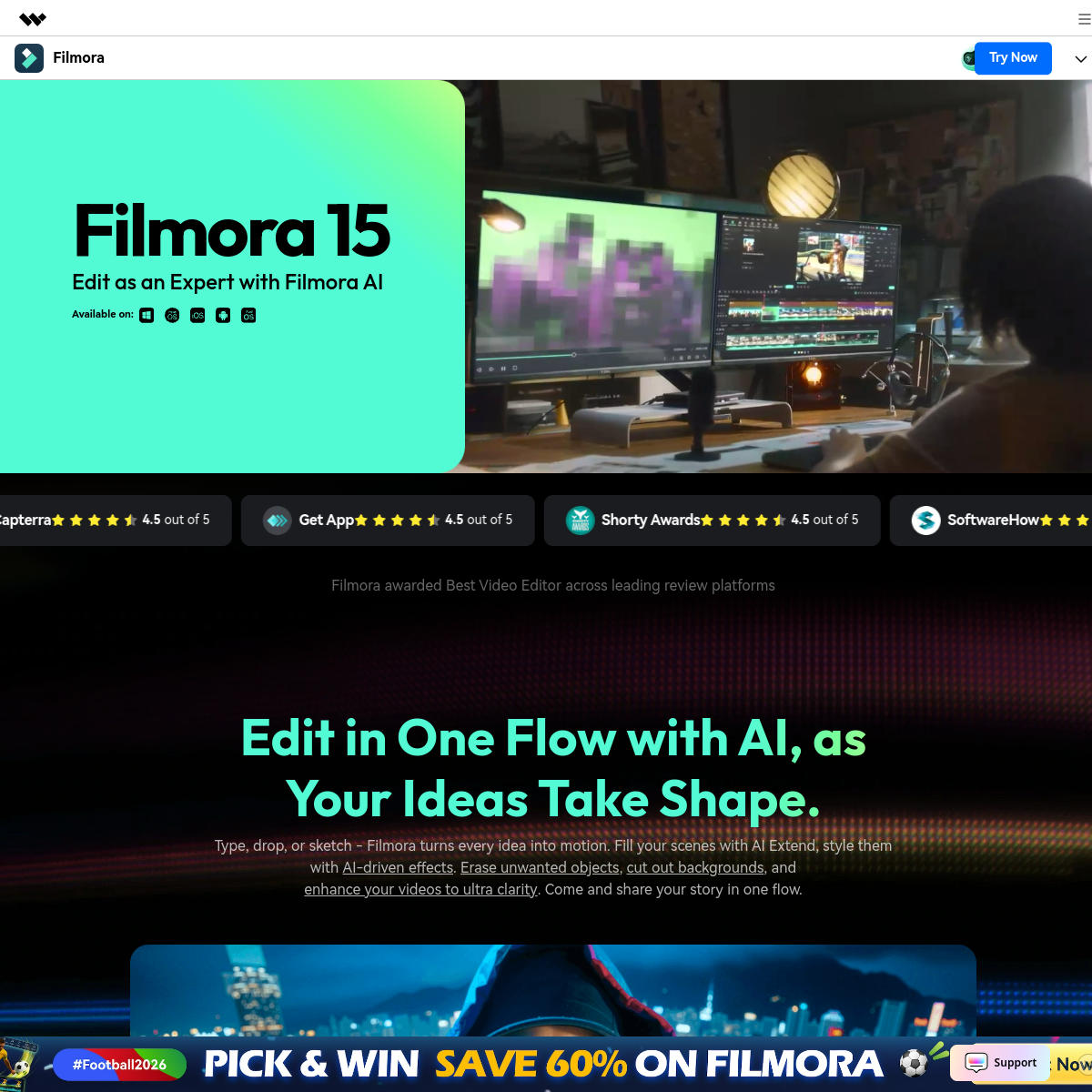
What Filmora actually looks like
Scroll inside the panel to see the full homepage. Live screenshot — updates as the product evolves.
- Creators who outgrew phone apps
- YouTubers wanting a real timeline
- Power without a steep curve
- Hollywood-grade color and VFX
- Fully browser-based workflows
What it actually does
Real desktop timeline
Proper multi-track editing with effects, keyframes, and transitions.
Deep template library
Thousands of effects, titles, and presets to drop in.
Expanding AI tools
Smart cutout, motion tracking, and text-to-video built in.
Gentle learning curve
Pro-grade features in an interface beginners can actually navigate.
Audio ducking
Automatically dips music under narration for a clean mix.
Stock library
Built-in stock footage, images, and music to drop in.
Composite of hands-on testing and editorial review — five dimensions, each rated 0–5 against the same published rubric for every tool in the category. How we score →
- Overall
- 4.3/5
- Editing Power
- 4.2/5
- AI Features
- 4.1/5
- Ease of Use
- 4.5/5
- Export Quality
- 4.2/5
- Value
- 4.3/5
What it costs, by tier
Free tier (watermarked); annual plans around $50/yr, with a perpetual option. Confirm current pricing.
Watermarked, to try it.
No watermark, full features and AI.
Frequently Asked Questions
What is Filmora best for?
Creators who want a real timeline editor without the learning curve of Premiere or DaVinci Resolve.
Is Filmora free?
There's a free, watermarked version. Paid plans are around $50/yr, with a perpetual license option.
Filmora or CapCut?
Filmora is a fuller desktop editor with a real timeline; CapCut is faster for social clips and templates.
Does Filmora have AI?
Yes, including smart cutout, motion tracking, and text-to-video, with more added regularly.
Ready to try Filmora?
A real timeline editor without the intimidation.
Outbound link may be tracked. See affiliate disclosure.