Motion
Motion uses AI to auto-schedule your tasks and meetings into a single optimized calendar. Best for individuals drowning in to-dos and time-blocking.
The Spinoza Score
Reviewed by Kamran Arshad. See how we evaluate · Updated 2026-07-13.
- Category
- work management
- Starts at
- $29/mo
- Platforms
- —
- Launched
- Jan 2019
- Last reviewed
- 2026-07-13
The most genuinely AI-native planner here. Great for personal time-blocking, pricey for what it is.
Motion's pitch is different: hand it your tasks and meetings and its AI builds and constantly re-optimizes your calendar, time-blocking automatically as priorities shift. For an individual who lives and dies by their calendar, it removes the daily Tetris of planning. It's less a team project tool than a personal productivity engine, and the price is steep for one person. If auto-scheduling clicks for you, though, it's hard to give up.
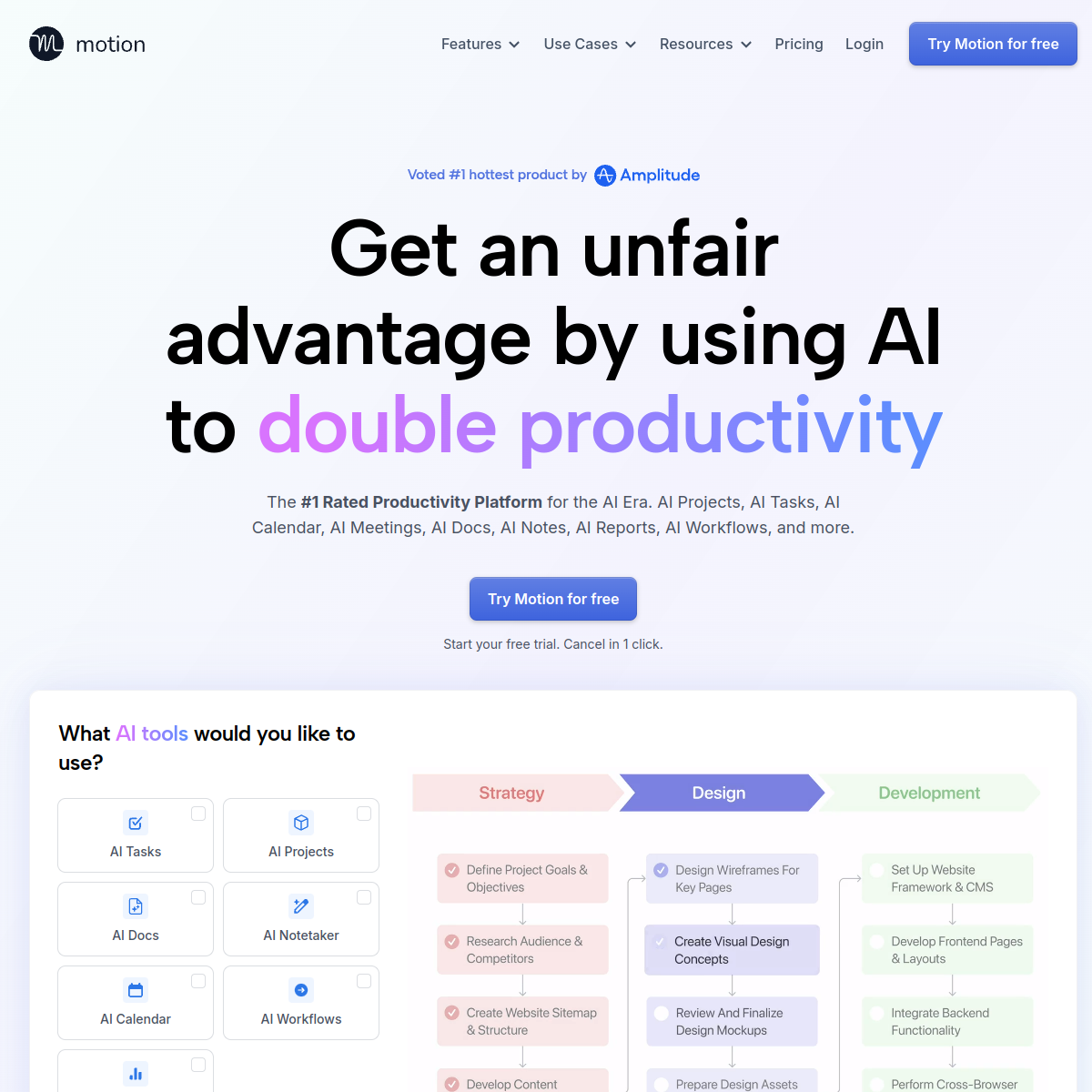
What Motion actually looks like
Scroll inside the panel to see the full homepage. Live screenshot — updates as the product evolves.
- Individuals drowning in to-dos
- Automatic time-blocking
- Calendar-driven workers
- Team project management
- Budget-conscious solos
What it actually does
AI auto-scheduling
Turns your tasks into time-blocks on your calendar automatically.
Dynamic re-planning
Re-optimizes your day as priorities and meetings shift.
Unified calendar
Tasks and meetings live together in one optimized view.
Project management
Basic projects and deadlines feed the scheduler.
Meeting booking
Scheduling links that respect your protected focus time.
Priorities & deadlines
Set what matters and let the AI sequence the rest.
Composite of hands-on testing and editorial review — five dimensions, each rated 0–5 against the same published rubric for every tool in the category. How we score →
- Overall
- 4.1/5
- Power & Flexibility
- 4.2/5
- AI Assist
- 4.5/5
- Ease of Use
- 4.1/5
- Collaboration
- 3.9/5
- Value
- 4.0/5
What it costs, by tier
No free tier (trial available). Plans from around $29/mo. Confirm current pricing.
AI scheduling and task management.
Custom: shared projects and scheduling.
Frequently Asked Questions
What is Motion best for?
Individuals who want AI to automatically time-block their tasks and meetings into one optimized calendar.
Is Motion free?
No, but there's a trial. Plans start around $29/mo.
Motion or Asana?
Motion is a personal AI scheduler; Asana is team project management. They solve different problems.
How does auto-scheduling work?
You add tasks with priorities and deadlines, and Motion places and re-places them on your calendar as things change.
Ready to try Motion?
Let AI build and re-optimize your calendar for you.
Outbound link may be tracked. See affiliate disclosure.