VEED
VEED is a browser video editor built for speed: subtitles, clips, and social video without the learning curve. Best for fast content, no install.
The Spinoza Score
Reviewed by Kamran Arshad. See how we evaluate · Updated 2026-07-13.
- Category
- video editing
- Starts at
- Free
- Platforms
- —
- Launched
- Jan 2018
- Last reviewed
- 2026-07-13
The easiest browser editor for social video. Great for subtitles and quick cuts, light for heavy work.
VEED runs entirely in the browser and gets you from raw clip to captioned, on-brand social video fast. Auto-subtitles are its calling card, and its AI tools (background removal, avatars, clean audio) cover most creator needs. It's not a pro NLE and won't replace Premiere for complex projects, but for marketers and creators who want speed over depth, it's one of the friendliest options going.
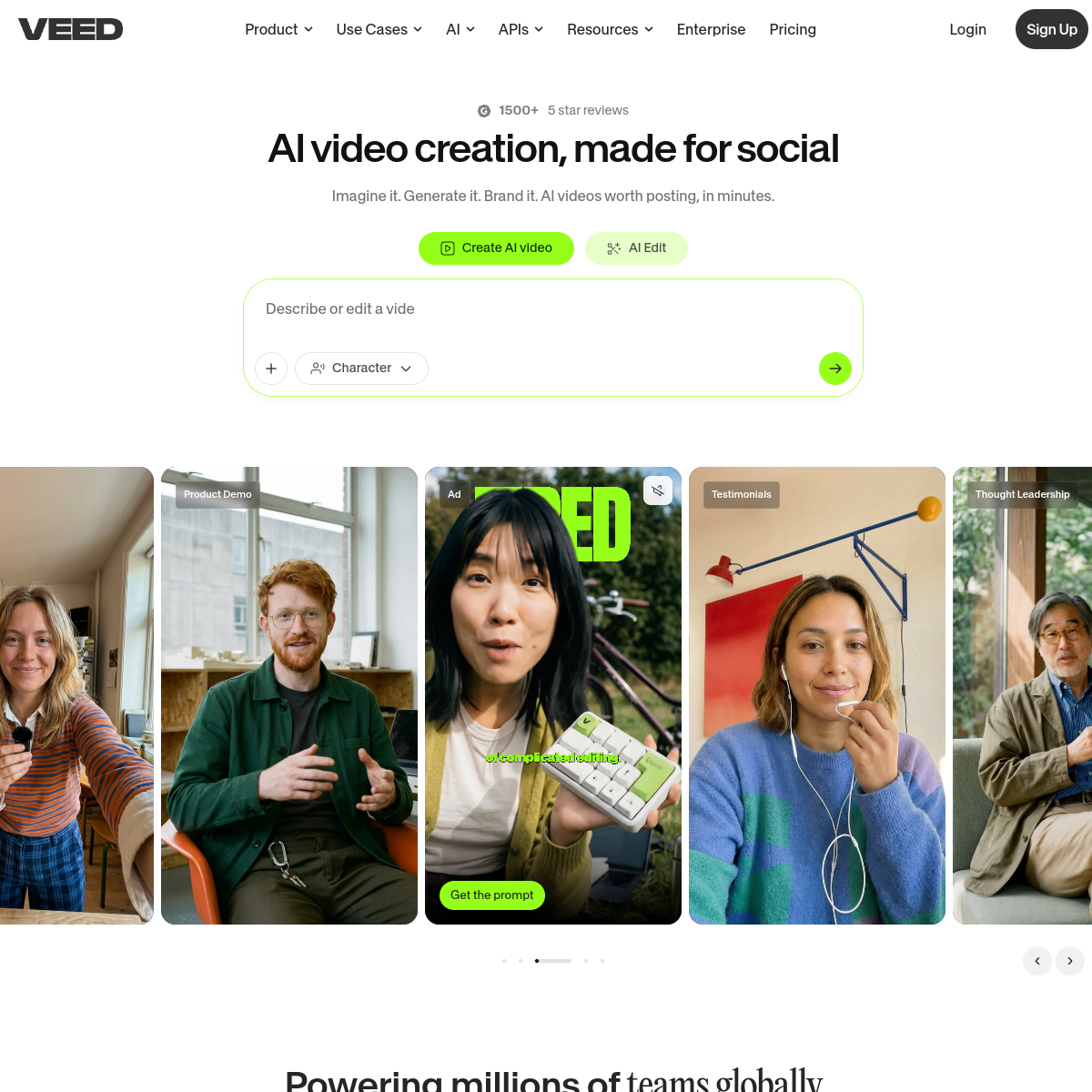
What VEED actually looks like
Scroll inside the panel to see the full homepage. Live screenshot — updates as the product evolves.
- Subtitled social video
- Fast, no-install editing
- Marketers and creators
- Complex, pro-grade projects
- Heavy color and motion work
What it actually does
Auto-subtitles
Accurate captions in one click, styled to match your brand.
Browser-based
No install: edit from any machine, straight in a tab.
AI toolkit
Background removal, clean audio, avatars, and translation built in.
Social-ready templates
Resize and template for every platform in seconds.
Brand kit
Save fonts, colors, and logos to keep every video on-brand.
Screen recorder
Capture screen and webcam straight in the browser.
Composite of hands-on testing and editorial review — five dimensions, each rated 0–5 against the same published rubric for every tool in the category. How we score →
- Overall
- 4.3/5
- Editing Power
- 4.0/5
- AI Features
- 4.3/5
- Ease of Use
- 4.6/5
- Export Quality
- 4.2/5
- Value
- 4.2/5
What it costs, by tier
Free tier (watermarked); paid from around $18/mo. Confirm current pricing.
Watermarked, to try it.
No watermark, more exports and AI.
Frequently Asked Questions
What is VEED best for?
Fast social video with captions: subtitles, quick cuts, and resizing, all in the browser.
Is VEED free?
Yes, with a watermark. Paid plans (from around $18/mo) remove it and add features.
VEED or CapCut?
Both are easy. VEED is browser-first with excellent subtitles; CapCut has deeper effects and a bigger template library.
Does VEED need installing?
No, it runs entirely in your browser.
Ready to try VEED?
Caption and cut social video in the browser, fast.
Outbound link may be tracked. See affiliate disclosure.