Zapier
Zapier connects the apps you already use and automates the work between them. Best for no-code automation across thousands of tools.
The Spinoza Score
Reviewed by Kamran Arshad. See how we evaluate · Updated 2026-07-13.
- Category
- automation
- Starts at
- Free
- Platforms
- —
- Launched
- Jan 2011
- Last reviewed
- 2026-07-13
The automation backbone for any business. Connect everything, then let it run without you.
Zapier links thousands of apps and moves work between them automatically: a new signup adds a row, sends a welcome email, and posts to Slack, with no code. Its newer AI agents and Copilot let you describe an automation in plain English and have it built. It is the difference between doing repetitive tasks by hand and having them run in the background around the clock. The free tier is enough to start; cost scales with volume.
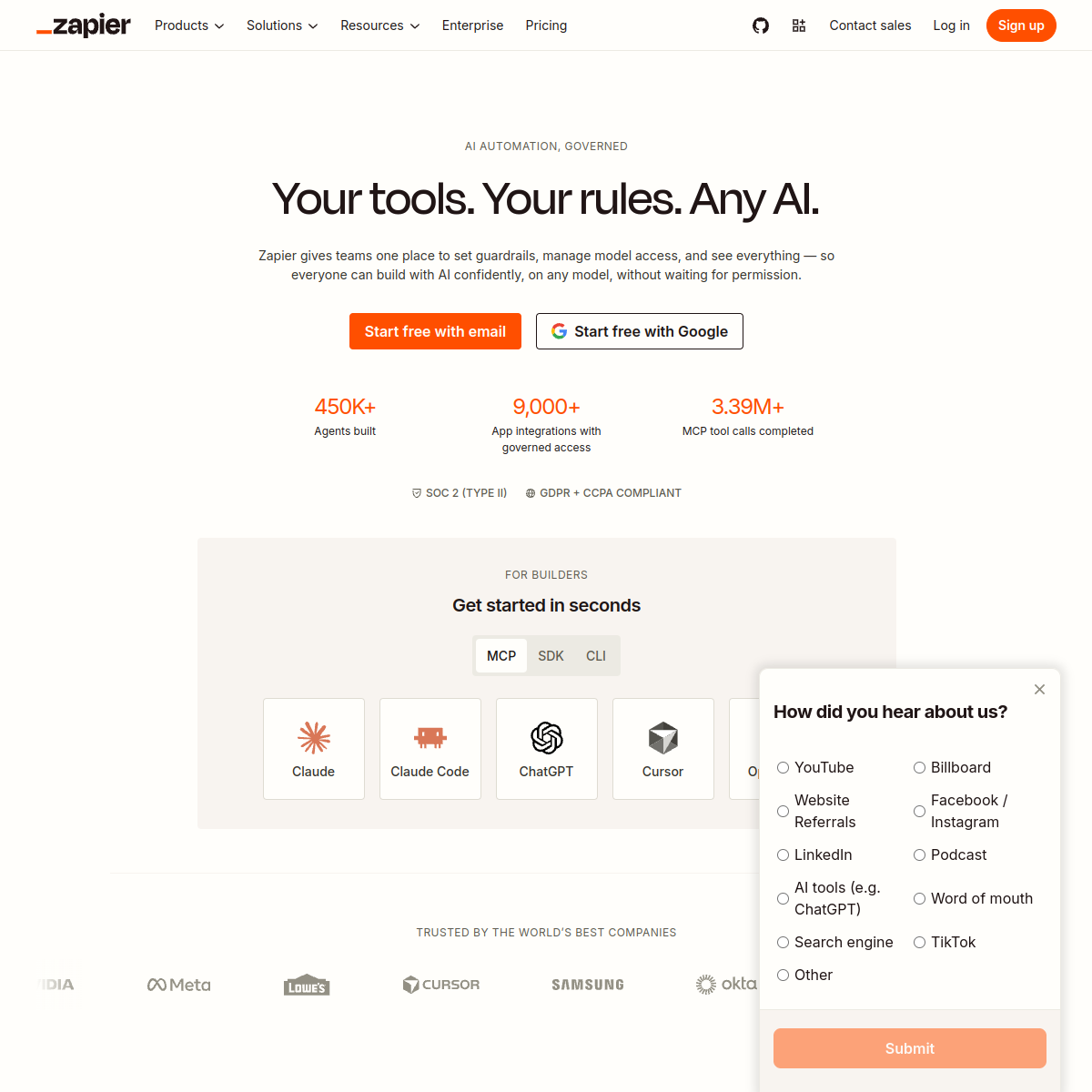
What Zapier actually looks like
Scroll inside the panel to see the full homepage. Live screenshot — updates as the product evolves.
- Automating repetitive busywork
- Connecting your whole tool stack
- Automating repetitive tasks
- Heavy data engineering
- Teams needing full developer control
What Makes Zapier Essential
Thousands of app connections
Almost every tool you use already plugs in, so you automate real workflows instead of hitting “not supported”.
No-code automations
Build multi-step “Zaps” by picking triggers and actions. No code, no engineer.
AI agents + Copilot
Describe what you want in plain English and Zapier drafts the automation, while its agents can take actions for you.
Runs 24/7
Once set up, automations run in the background forever, which is how one person keeps up with a team's workload.
Composite of hands-on testing and editorial review — five dimensions, each rated 0–5 against the same published rubric for every tool in the category. How we score →
- Overall
- 4.3/5
- Integrations
- 4.7/5
- AI & Agents
- 4.0/5
- Ease of Use
- 4.2/5
- Reliability
- 4.5/5
- Value
- 3.9/5
Zapier Pricing Plans
Free tier to start; paid plans from around $20/mo scale with task volume. Confirm current pricing.
Basic automations to get started.
Multi-step Zaps, more tasks, premium apps.
Frequently Asked Questions
What does Zapier do?
It connects your apps and moves work between them automatically, so tasks like emailing, logging, and notifying happen without you lifting a finger.
Do I need to code to use Zapier?
No. You build automations by choosing triggers and actions, and its AI can draft them from a plain-English description.
Is Zapier free?
There is a free tier for basic, low-volume automations. Paid plans (from about $20/mo) add more steps, faster runs, and premium apps.
Zapier or Make?
Zapier has the most integrations and the gentlest learning curve. Make is cheaper at high volume and more visual. For most solopreneurs, Zapier is the safer start.
Ready to try Zapier?
Wire your tools together and let the busywork run itself.
Outbound link may be tracked. See affiliate disclosure.