Circleback review
Circleback
#5 of 6AI meeting notes, action items and automations, with a bot or without one. Best for teams that want every meeting to update their CRM, Notion and Slack.
Our take
Circleback is the best AI note taker for meeting automations.
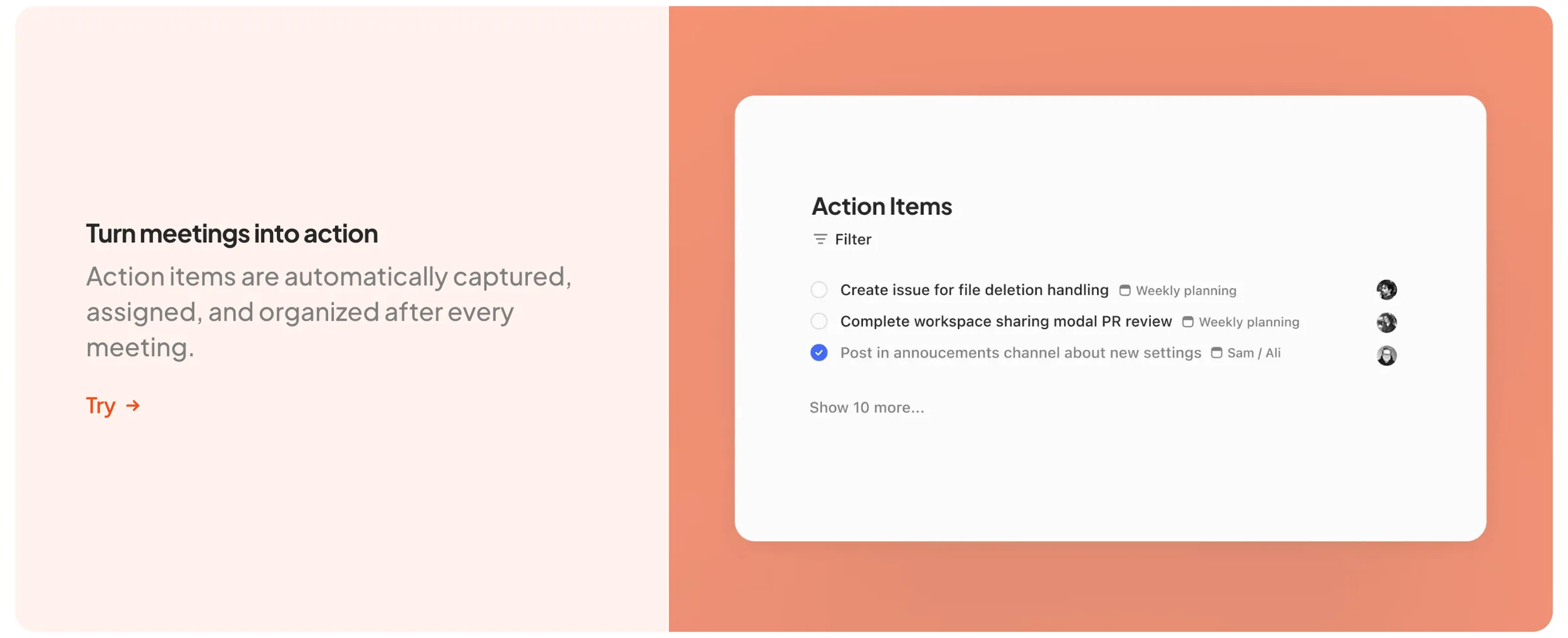
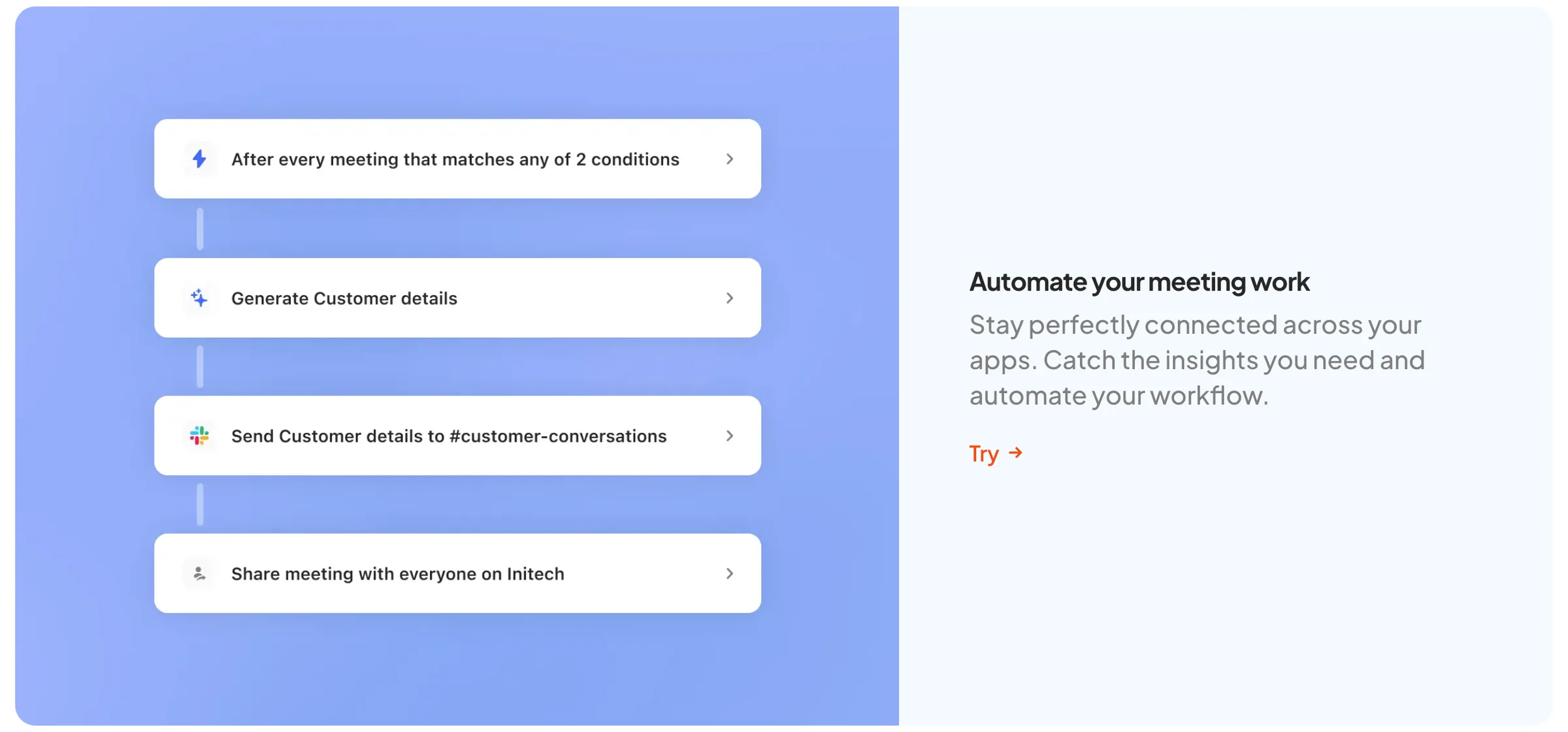
Circleback writes organized notes and assigns action items after every meeting, then does something with them. Automations update HubSpot, Salesforce or Attio, create Linear issues, file pages in Notion and post to Slack without you copying anything.
It records the way you prefer: a bot on Zoom, Google Meet, Microsoft Teams and Webex, the bot-free desktop app on Mac and Windows, or the iPhone, Android and Apple Watch apps for in-person meetings. Ask Circleback searches every meeting and your email. Since August 2026 there is a free plan with unlimited meetings and 30 days of history, and the API, MCP and CLI come free too.
Why it wins
- Detailed notes and action items assigned to each person.
- Automations file every meeting into your CRM, Notion and Slack.
- Bot or bot-free on Zoom, Meet, Teams and Webex.
- Free plan with unlimited meetings, API and MCP.
- 4.4
- Score
- #5 of 6
- Rank
- Free
- From
Who Circleback is for
Circleback fits teams that want meeting notes to update the tools they already work in.
Best for
- Teams that want notes to update their CRM
- Founders and operators running many meetings
- People who want a bot or bot-free choice
- Engineering and product teams on Linear and Notion
Not for
- Teams that need 100% accurate speaker labels
- Buyers who want a long track record of reviews
Core capabilities
Circleback Features
The Spinoza Score
How Circleback scores as an AI meeting note taker, rated on transcription accuracy, AI summaries, user experience, integrations and value for money, against the same scale as Granola, Fathom, Otter and Fireflies.
- Overall
- 4.4/5
- Transcription Accuracy
- 4.3/5
- AI Summaries
- 4.4/5
- User Experience
- 4.4/5
- Integrations
- 4.6/5
- Value for Money
- 4.3/5
 Play video (opens in a new tab)
Why this score
Reviewed by Kamran Arshad · Updated Nov 21, 2026. How we score
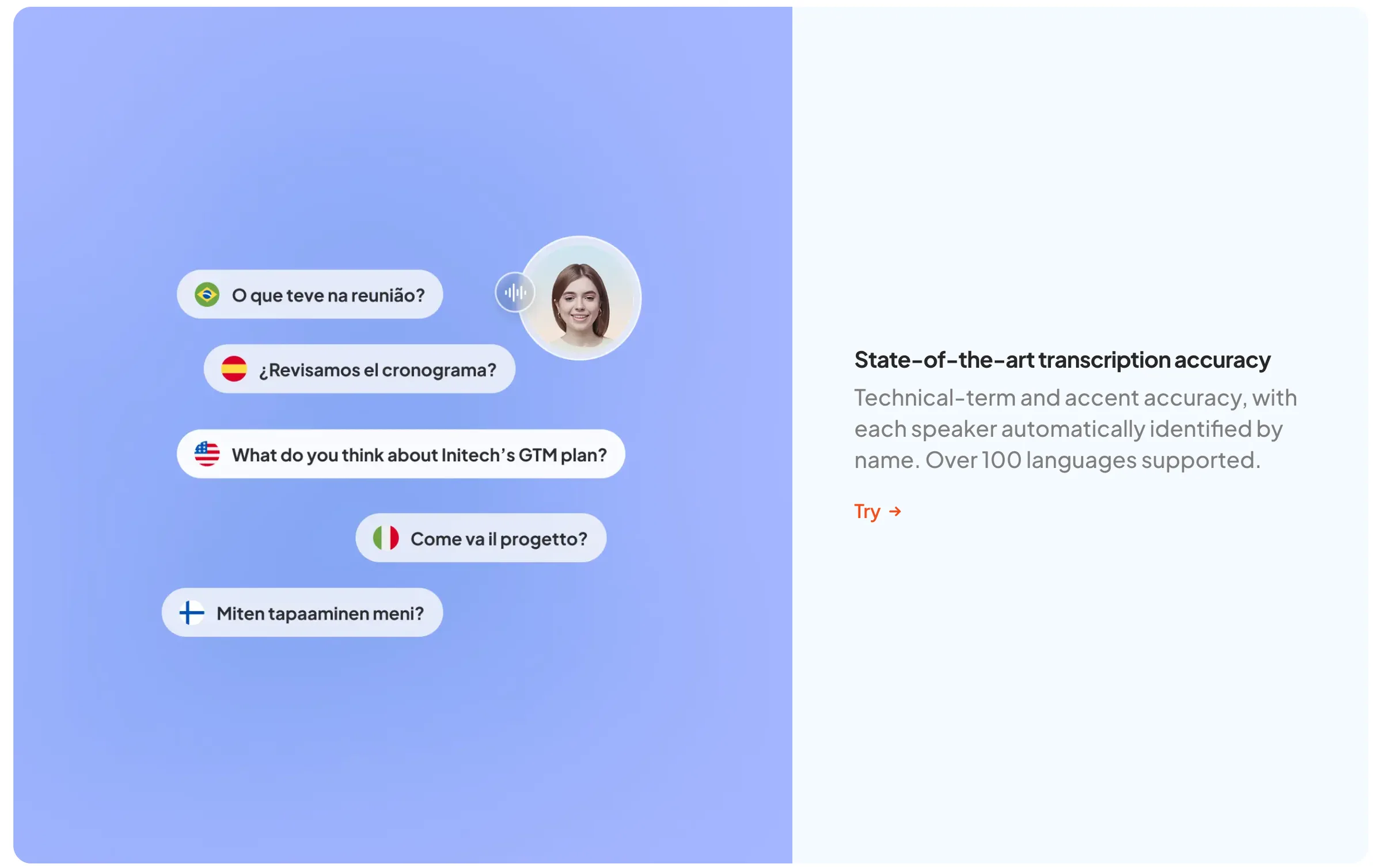
Circleback scores highest on integrations (4.6): it records with or without a bot on every major platform, and its automations push notes into CRMs, Notion, Linear and Slack, with the API, MCP and CLI free. Notes are detailed and well organized. Reviewers mention weaker speaker detection on quiet audio and occasional missed recordings, and its review base is still small, so it sits below Fathom and Fireflies until our own testing says otherwise.
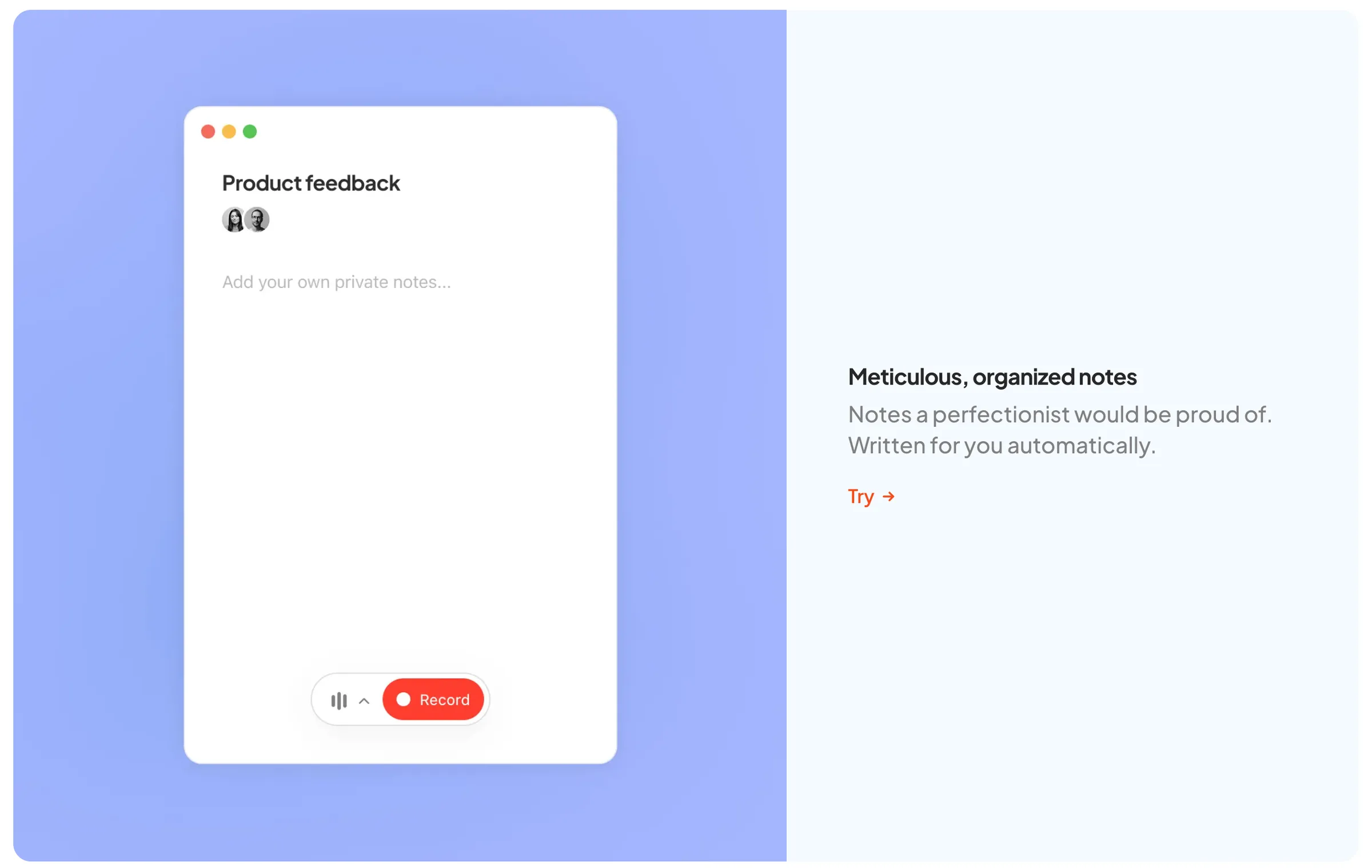
Circleback on desktop, phone and in your stack
Our screenshots of Circleback's desktop app, mobile app and integrations.
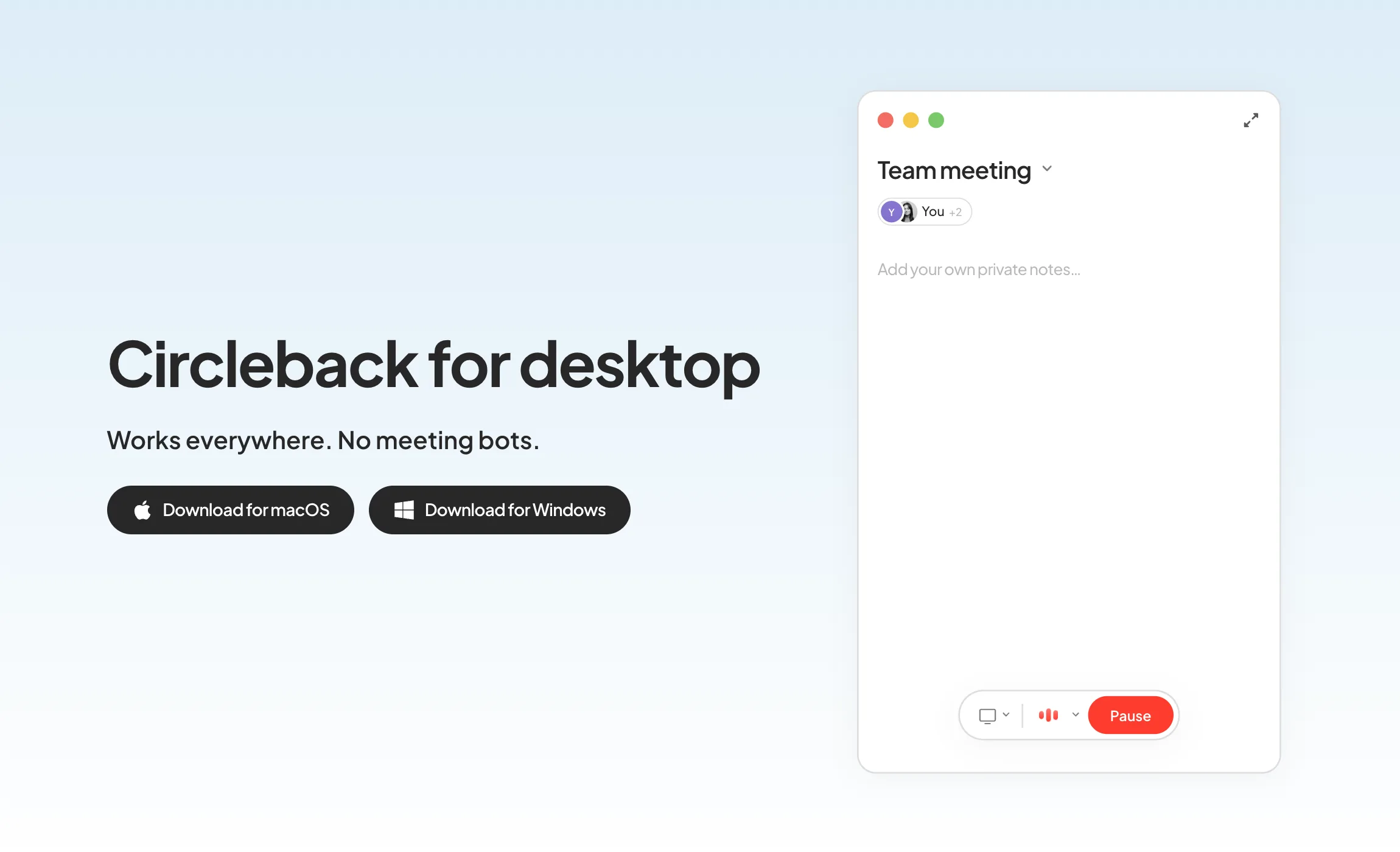
Records without a bot
The Mac and Windows app captures any meeting on your computer, including Zoom, Google Meet, Microsoft Teams, Webex and Discord, with no bot in the call.
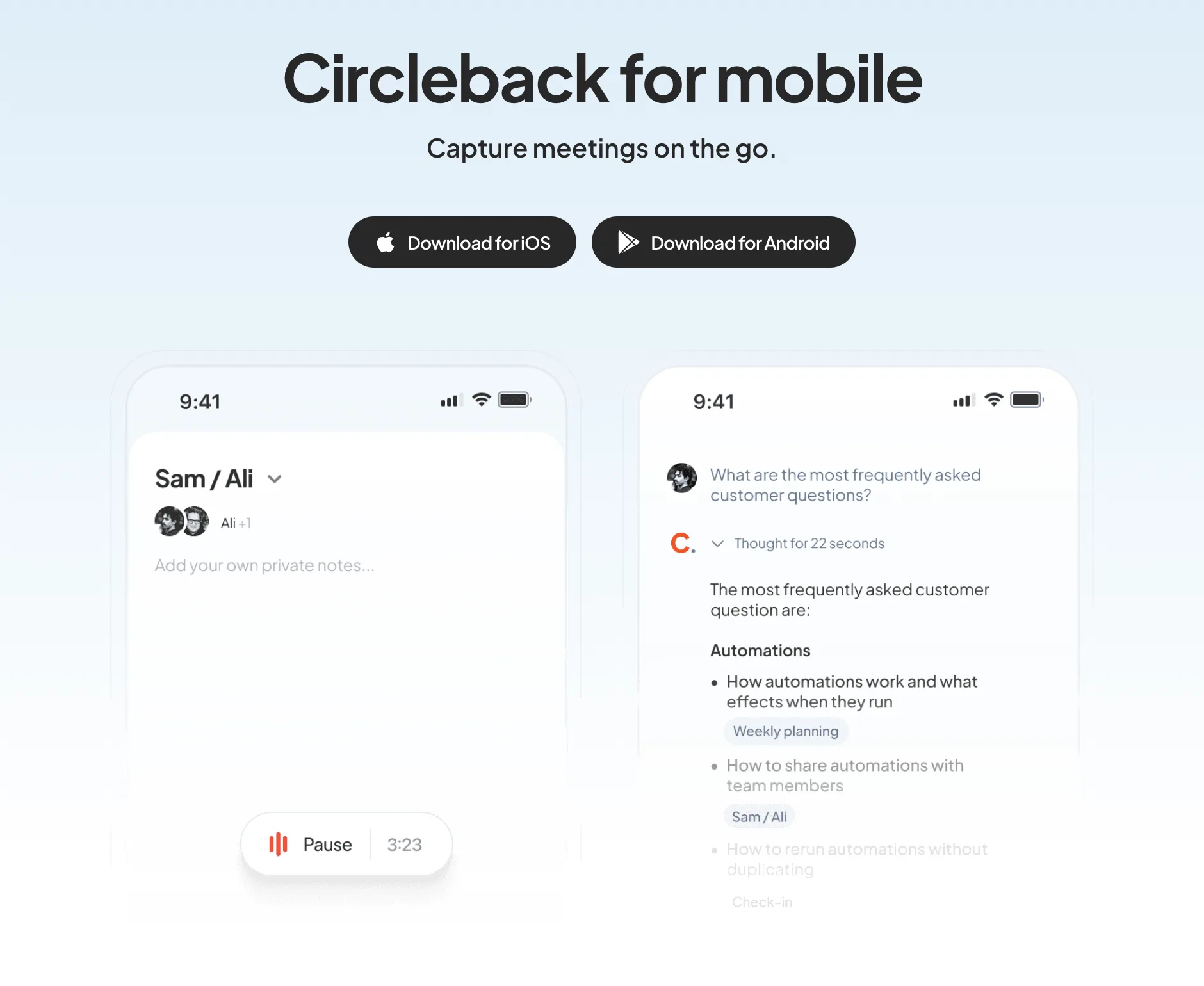
In-person meetings on your phone
The iPhone and Android apps record in-person conversations and let you ask questions about past meetings on the go. There's an Apple Watch app too.
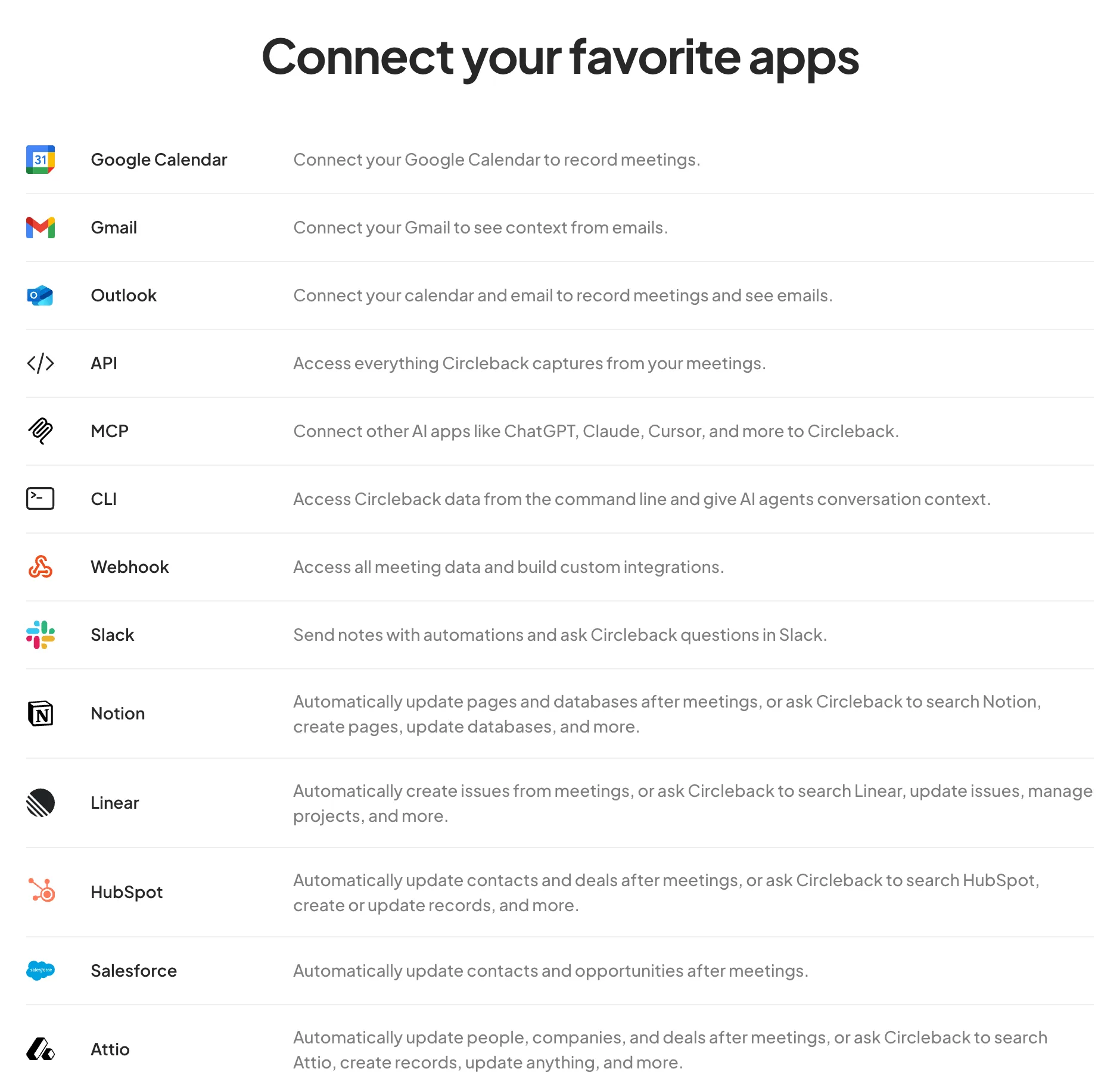
Notes that update your stack
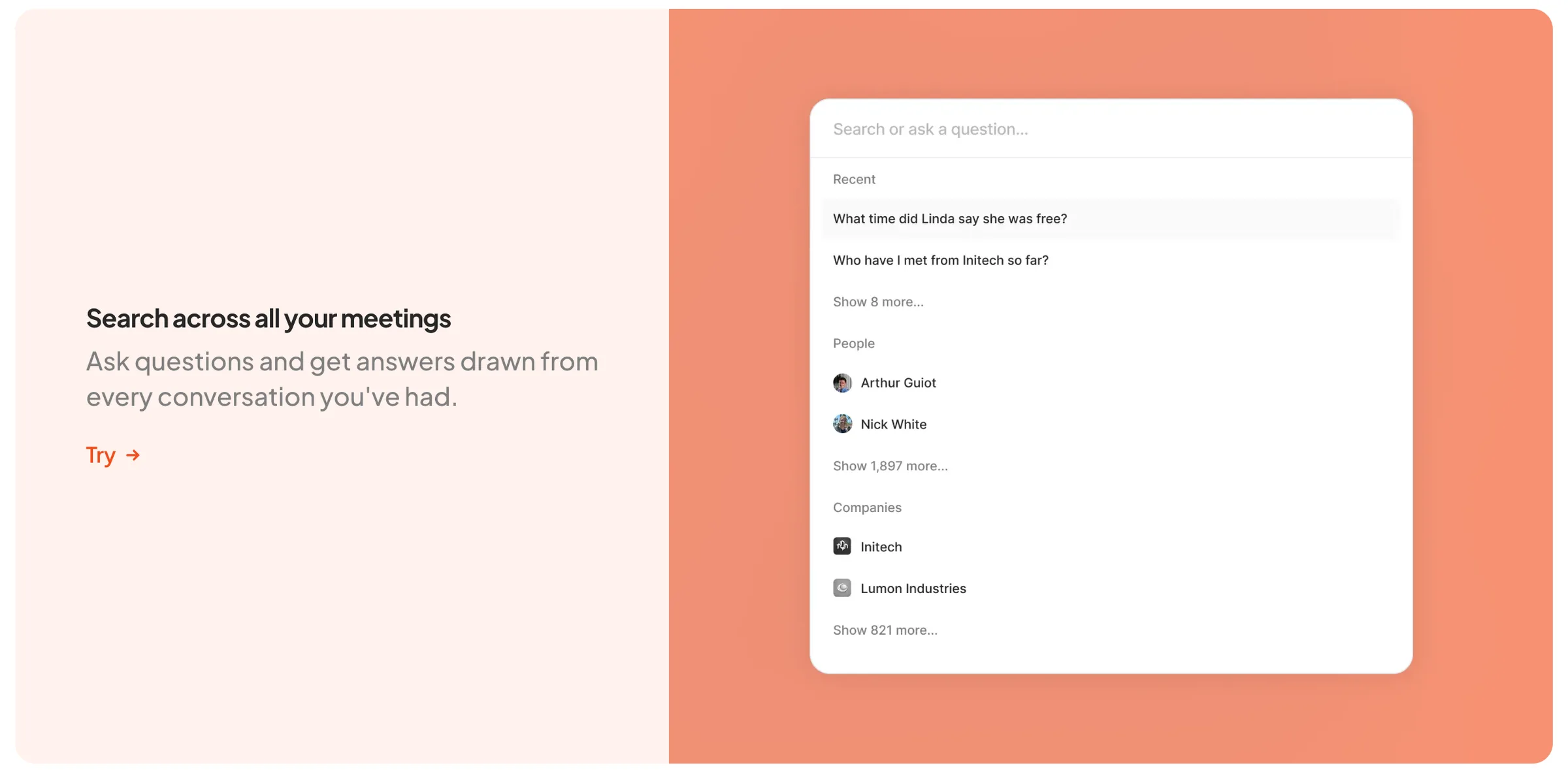
Circleback connects to Google Calendar, Gmail, Slack, Notion, Linear, HubSpot, Salesforce and Attio, plus an API, webhooks, a CLI and an MCP server for ChatGPT, Claude and Cursor.
Works with your tools
Plugins and connectors for design, video and AI agents.
- Zoom
- Google Meet
- Microsoft Teams
- Webex
- Slack
- Notion
- Linear
- HubSpot
- Salesforce
- Attio
- Asana
- Zapier
- Make
- ChatGPT
- Claude
- Cursor
Circleback Pricing
Free covers unlimited meetings with 30 days of history and limited automations. Pro is $15 per user a month billed yearly, or $18 monthly. Business is $25 yearly, or $29 monthly. Enterprise is $35 per user, yearly, with HIPAA, SSO and SCIM and no sales call.
Free
$0/ per month
For trying Circleback on real meetings.
- Unlimited meetings
- AI notes and action items
- 30 days of history
- Limited automations
- API, MCP and CLI
Pro
$15/ per user / month, billed yearly
Or $18 month to month.
- Unlimited meeting history
- 1 year of recording storage
- Automations with all integrations
- Custom AI insights
Business
$25/ per user / month, billed yearly
Or $29 month to month.
- Admin roles
- Unlimited free viewers
- Custom data retention
- 2 years of recording storage
Enterprise
$35/ per user / month, billed yearly
Self-serve, no sales call.
- SSO and SCIM
- HIPAA with a BAA
- Unlimited recording storage
- Priority support
Circleback Reviews
App Store rating and the themes reviewers repeat.
App Store
4.8
294 reviews
What people like
Detailed notes, automations and fast support for new features
What people complain about
Speaker detection on quiet audio and occasional missed recordings
Circleback Alternatives
Closest alternatives to Circleback, scored on the same five metrics.
Frequently Asked Questions
Is Circleback worth it?
Yes, Circleback is worth it if you want meeting notes to do work after the call. Its automations update your CRM, Notion, Linear and Slack, and it records with a bot or bot-free on every major platform. The free plan is enough to test it, and Pro at $15 a month billed yearly unlocks unlimited history and all automations.
What is Circleback best for?
Circleback is best for teams that want every meeting to feed their tools: CRM updates after sales calls, Linear issues after product reviews, Notion pages after planning. Founders, operators and engineering teams use it for detailed notes and action items without a manual copy and paste.
How much does Circleback cost?
Circleback costs $0 on the Free plan. Pro is $15 per user a month billed yearly, or $18 monthly, with unlimited history and all integrations. Business is $25 yearly, or $29 monthly, with admin roles and unlimited free viewers. Enterprise is $35 per user a month, yearly, with SSO, SCIM and HIPAA.
Is Circleback free?
Yes. Since August 2026 Circleback has a free plan with unlimited meetings, AI notes and action items, Ask Circleback, speaker-labeled transcripts, 30 days of meeting history, limited automations and API, MCP and CLI access.
Can Circleback record without a bot?
Yes. You can record Zoom, Google Meet, Microsoft Teams and Webex with a bot or without one. The desktop app for Mac and Windows records any meeting on your computer bot-free, and the mobile apps record in-person meetings.
Does Circleback train AI on my data?
No. Circleback says it does not train AI models on customer data. It is SOC 2 Type II and EU-U.S. Data Privacy Framework certified, and it offers a HIPAA BAA on Enterprise.
Can I import meetings from Granola into Circleback?
Yes. Circleback imports meeting history from Granola, Fathom, Fireflies and Read AI, so switching doesn't mean losing your old notes.
Circleback vs Granola: which is better?
Granola is better for quick, bot-free notes you shape yourself during the call, and its notepad is the most pleasant in the category. Circleback is better if you want a bot option, audio and video recordings, and automations that push notes into your CRM, Notion and Slack.
Try Circleback for free
Free plan with unlimited meetings. Connect Slack or Linear and watch the first automation run.