InVideo
Text-to-video for everyone — type a prompt, get a finished social or marketing video.
The Spinoza Score
Reviewed by Kamran Arshad. See how we evaluate · Updated 2026-07-07.
- Category
- creative platforms
- Starts at
- Free
- Platforms
- —
- Launched
- —
- Last reviewed
- 2026-07-07
The most accessible way to turn an idea into a watchable video — breadth over polish.
InVideo turns a text prompt into a finished video — script, scenes, stock footage, voiceover and captions — backed by one of the largest template libraries around. Built for creators, marketers and social teams who need volume fast without learning an editor, its mix of AI video generation and a deep template/stock catalog makes it a genuine one-prompt-to-publish option.
What InVideo actually looks like
Scroll inside the panel to see the full homepage. Live screenshot — updates as the product evolves.
Upload a screenshot or set a thum.io URL on the tool record to populate this panel.
- All-in-one video creation
- Faceless and social content
- Creators who want one tool
- Peak avatar realism
- Enterprise training pipelines
What it actually does
Script to video
Type a prompt or script and InVideo assembles a full video with stock footage, voiceover, music, and captions.
Full editor
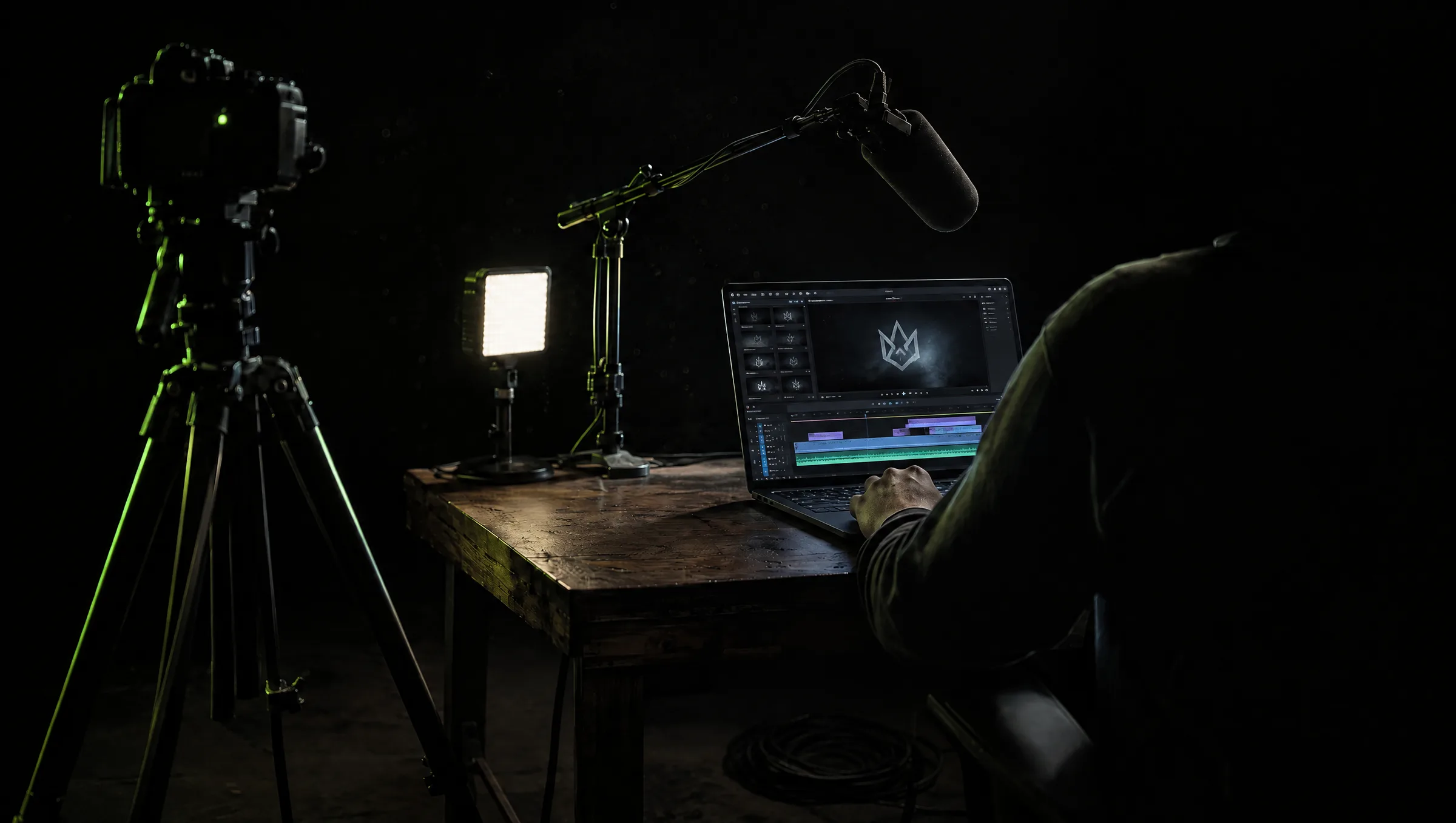
A genuine timeline editor sits alongside the AI, so you can refine the result rather than accept whatever the generator gives you.
AI avatars and voices
Generate presenters and voiceovers, or use your own footage, all in one place.
Templates and stock
Thousands of templates and a large stock library, so you go from idea to finished video without leaving the app.
How InVideo scores on the five Spinoza platform metrics. How we score →
- Overall
- 3.7/5
- Output Quality
- 3.7/5
- Model Access
- 3.7/5
- User Experience
- 4.0/5
- Trust & Reliability
- 3.5/5
- Value for Money
- 3.8/5
Free tier (watermark + limits); paid from ~$20/mo. Verify current tiers.
Common questions about InVideo
What is InVideo best for?
All-in-one video creation. It pairs AI script-to-video with a full editor, so you go from idea to finished, captioned video without switching tools.
Does InVideo have an editor?
Yes, a real timeline editor, which is what separates it from generators that only output a finished clip.
Can InVideo make faceless videos?
Yes. With stock footage, AI voiceover, and captions, it is well suited to faceless and social content.
Is InVideo good for UGC ads?
It can make them, but for peak spokesperson realism a dedicated tool like Arcads or Creatify fits better.
Ready to try InVideo?
There's a real free tier — you can test the verdict yourself in five minutes.
Outbound link may be tracked. See affiliate disclosure.