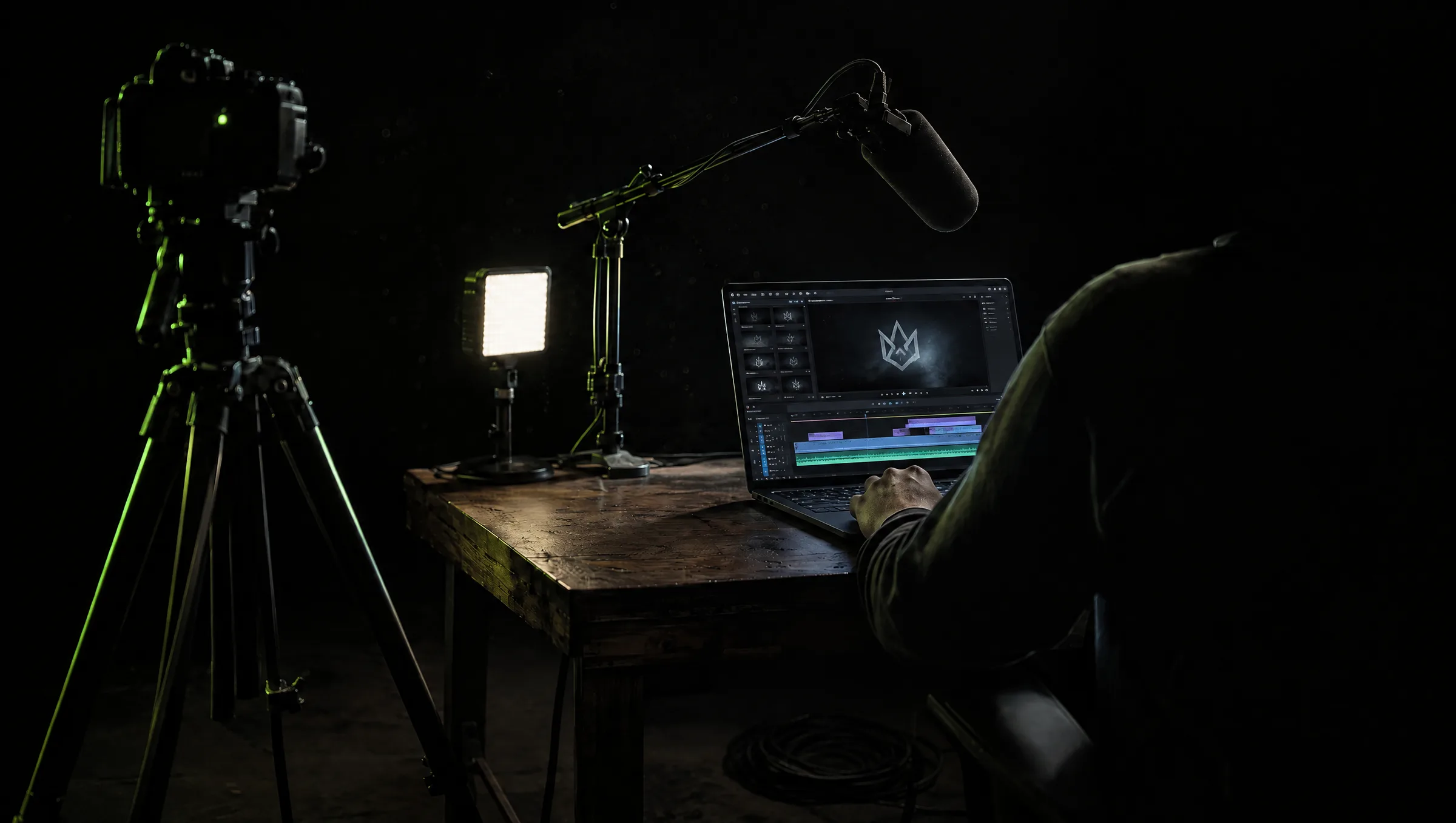
Producing professional video once required a team: a producer, a camera operator, an editor, a sound specialist, a designer, and a project manager. That structure still suits complex work. But better cameras, browser-based editing, and AI-assisted tools now let one person handle jobs that used to need several specialists. The one-person studio has become a practical model for freelancers, consultants, and small agencies. It offers flexibility and low overheads, and it comes with limits you have to manage on purpose.
What is a One-Person AI Studio
A one-person AI studio is a small production business where one creator runs most stages of a project: client contact, planning, filming, editing, and delivery.
They work alone on straightforward jobs and bring in specialists when a project needs them. The model is not only for filmmakers. Marketing consultants, social managers, and trainers operate the same way, producing regular video without a standing production department.
The goal is not to prove one person can do everything. It is to build a workflow that lets one person run the right projects well.
Keep the Workflow Connected
A solo creator has one real advantage: nothing gets lost in handoffs. During planning they can picture how every shot will be used. While filming they capture the main content and the supporting footage the edit will need. In post they already know the client's goal because they shaped the brief. That continuity also makes reuse easy, turning one interview into a full video, several clips, and supporting material. Creators who run this way often build a small library of repeatable faceless content they can produce on a schedule.
Let AI Absorb the Work Around Editing
Editing is where a solo studio feels the most pressure. Reviewing long recordings, finding the best takes, and building the first timeline can eat more hours than the shoot.
A browser-based AI editor can take that load, logging takes, finding the cleanest delivery of each line, and assembling a first draft, so the creator spends their time on story, pace, and visual choices. This does not remove editing skill. It points that skill at the decisions that change the final video.
Standardise the Process
A one-person AI studio cannot treat every project as a new system. Repeatable processes are what make it sustainable.
Standard briefs, filming plans, approval steps, and a clean file structure remove the time drain of hunting for the latest version.
A simple spine works well: confirm the goal and deliverables, script or plan the shoot, capture main and supporting footage, build and review a first cut, collect feedback in one place, prepare channel-specific versions, then archive the project and its reusable assets.
Templates help with captions, titles, and export settings, but they should not make every client look the same. Standardise the process and keep the creative work specific to the brand.
Be Aware of the Limitations
Some jobs need more people: multi-camera shoots, complex lighting, advanced sound, and live events. Overlapping client deadlines are another signal.
The strongest solo operators build a strong network of freelancers which they can reach out for help anytime, hiring a camera operator for a busy shoot or a second editor for a large batch of versions.
That flexibility is the model working as intended, not failing. And the durable edge stays human. Tools help you move faster, but storytelling, framing, brand tone, and the checks on facts and rights still decide the result. For creators who want to turn this into steady income, our guide to making money from AI video covers the business side.
Frequently Asked Questions
Can one person really run a video studio?
For straightforward projects, yes. Better cameras, browser editing and AI-assisted tools let a single creator manage planning, filming, editing and delivery, and bring in specialists only when a job requires them.
What should a solo video creator automate first?
The work around the edit: logging takes, finding clean deliveries and building a first assembly. That frees the creator to focus on story, pacing and visual choices.
When should a one-person studio hire help?
For multi-camera shoots, complex lighting or sound, live events, and when several client deadlines overlap. Building a temporary team protects quality and the creator's time.
Join 2,700+ Marketers & Solopreneurs
Get practical AI playbooks and exclusive discounts on the tools you actually use directly in your inbox every Saturday.
 Publishing Frequency
How Much Video Content Should Your Brand Publish?
AI lets a brand publish something new every day. That is exactly the trap. The constraint that protects your marketing now is editorial judgment.
Olivia Vance6 min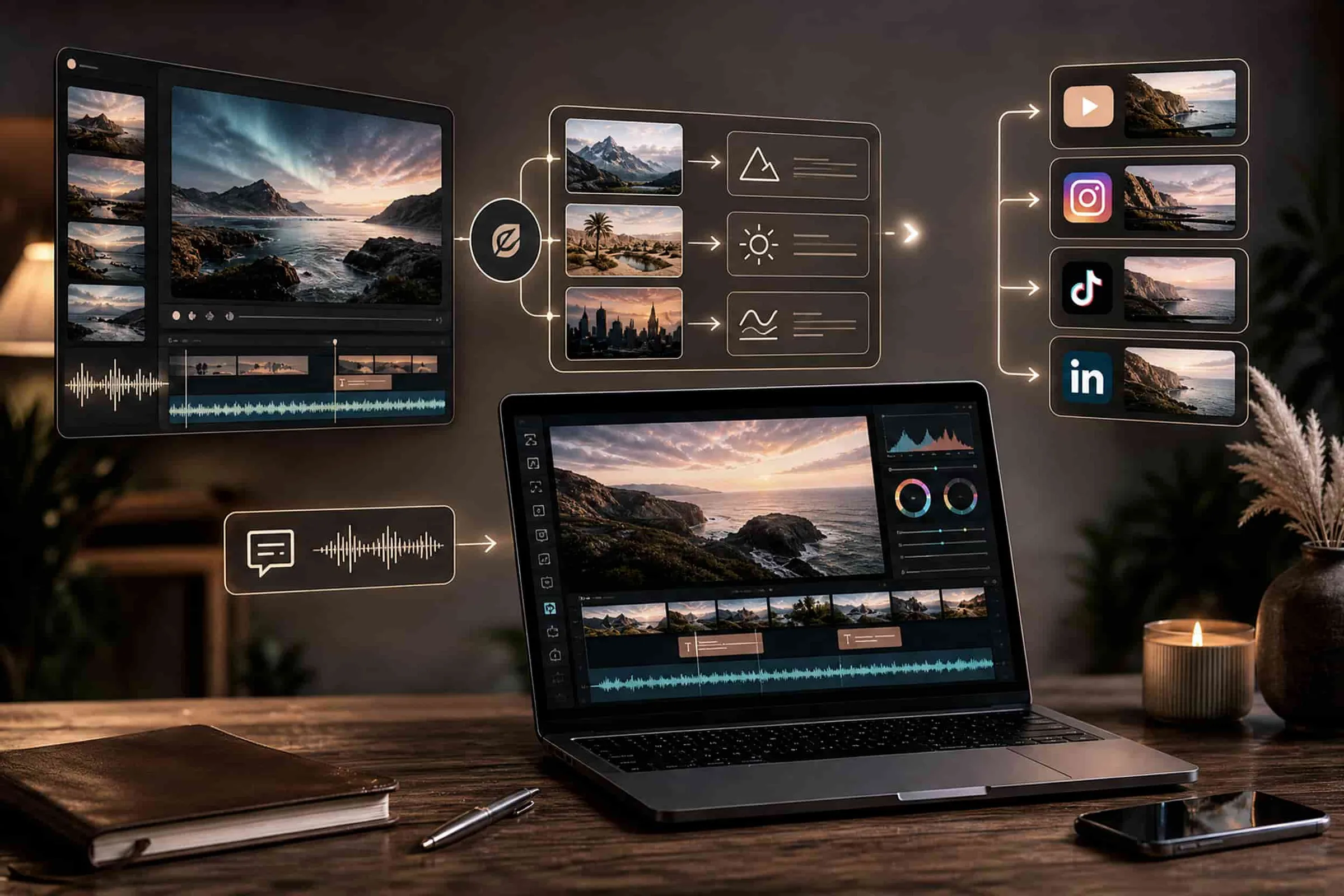 AI Video Editing
The AI Video Skills Every Marketing Team Needs
AI can generate the aesthetic stills and videos. It cannot tell you whether the footages are any good. These are the skills that decide which marketing teams pull ahead.
Olivia Vance5 min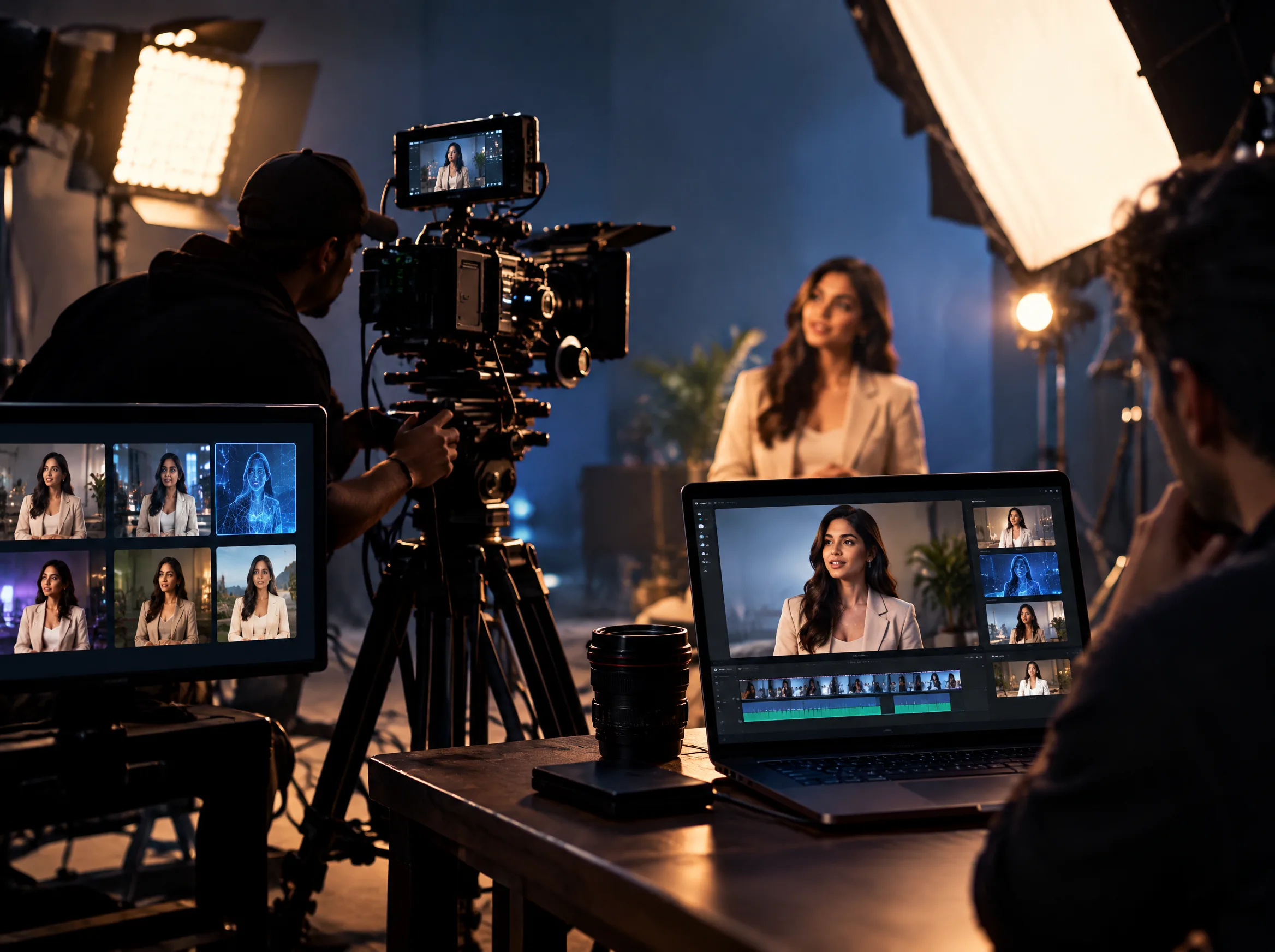 AI in Marketing
How AI Is Changing the Cost of Video Marketing
AI does not make video production free. It moves where the time and money go. Here is how the economics actually shift, and where to reinvest what you save.
Olivia Vance4 min