Kapwing
The collaborative browser editor, the closest thing to editing video in Google Docs, with a full AI toolkit and nothing to install.
The Spinoza Score
Reviewed by Kamran Arshad. See how we evaluate · Updated 2026-10-02.
- Category
- video editing
- Starts at
- Free
- Platforms
- —
- Launched
- —
- Last reviewed
- 2026-10-02
The best browser editor for teams. Kapwing puts a full AI toolkit and real-time collaboration in the browser, so several people can edit one project with nothing to install.
Kapwing is the browser editor built for collaboration, the closest thing here to editing video the way teams edit a Google Doc. Several people can work the same project at once, with a full AI kit, auto-subtitles in 95-plus languages, Smart Cut for silences, a clip maker and a background remover, all with nothing to install.
It is a strong generalist that leads at no single job: its silence removal is less surgical than Gling's and its clipping less smart than Opus. For a team that wants one accessible place to make and caption video together, that breadth is the point.
What Kapwing actually looks like
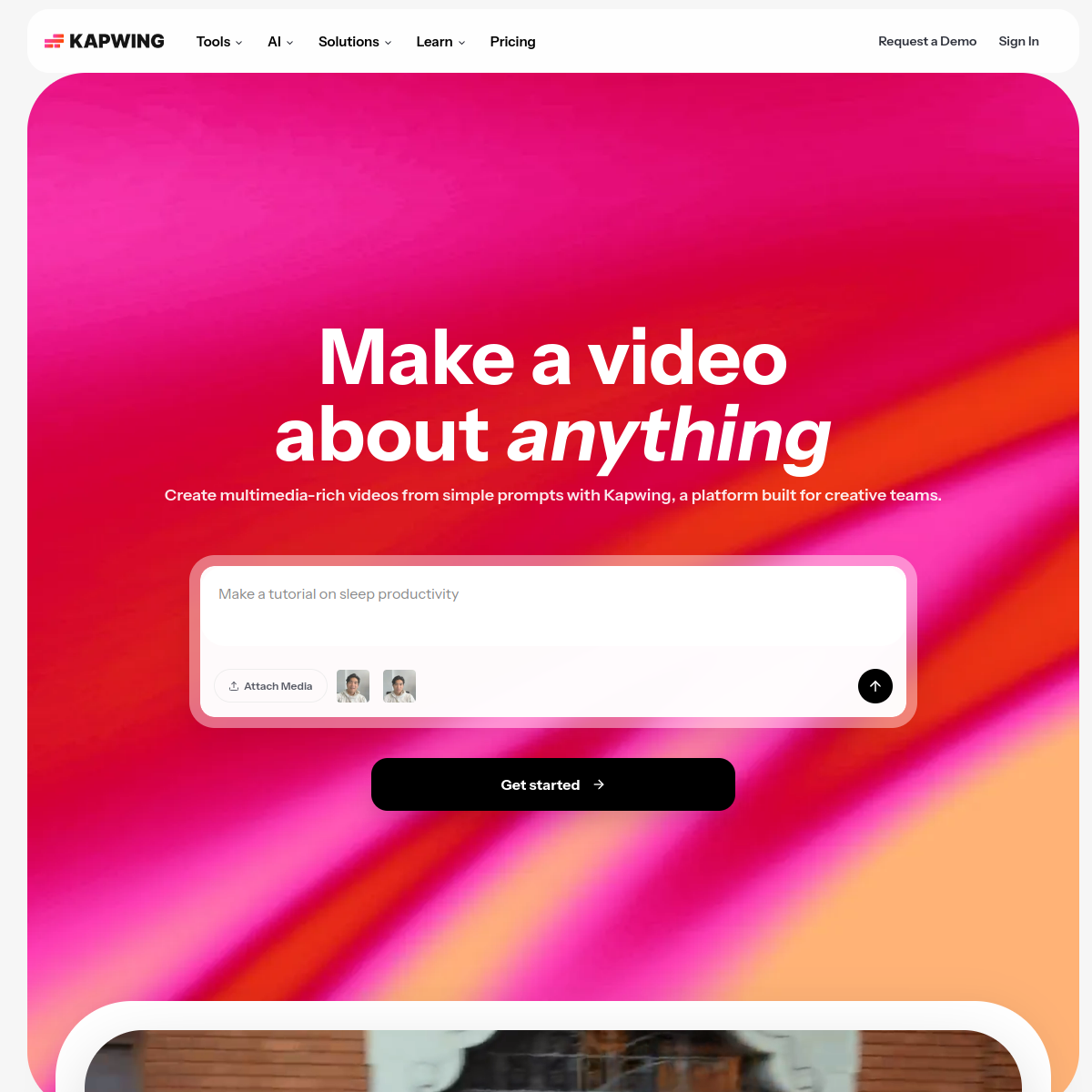
Scroll inside the panel to see the full homepage. Live screenshot — updates as the product evolves.
- Teams editing and captioning together in the browser
- Marketers who want nothing to install
- Quick subtitles across 95+ languages
- Collaborative, repeatable social video
- Pro color grading and VFX
- The sharpest single-purpose clipping or silence removal
- Offline, heavy-timeline desktop editing
What Kapwing Does Best
Real-time collaboration
Several people edit one project live in the browser, the closest thing to Google Docs for video.
Auto-subtitles
Captions in 95-plus languages with SRT export, fast and accurate enough for most social work.
Smart Cut
Automatic silence removal and an AI clip maker to speed up the first pass.
Full browser kit
Background remover, script copilot and a broad toolset, all with nothing to install.
How Kapwing scores on the five Spinoza metrics. How we score →
- Overall
- 4.1/5
- Editing Power
- 4.0/5
- AI Features
- 4.2/5
- Ease of Use
- 4.4/5
- Reliability
- 3.9/5
- Value
- 3.8/5
Kapwing Pricing Plans
A free tier with watermarked exports and limits. Pro is roughly $16/mo; a Business tier around $64/mo adds team seats and brand features.
For solo creators and small teams
- No watermark
- Full AI toolkit
- 95+ language subtitles
- Longer exports
For collaborating teams
- Everything in Pro, plus:
- Team seats and workspaces
- Brand kits
- Admin controls
Opus Clip
The AI clipper that turns one long recording into a stack of short, vertical, ready-to-post clips and tells you which to post first.
Filmora
Filmora is a friendly desktop editor with a real timeline and a growing set of AI tools. Best for creators who want power without a pro learning curve.
Frequently Asked Questions
What is Kapwing best for?
Collaborative video editing in the browser. Teams can work one project together with a full AI toolkit and no software to install, which makes it ideal for marketers and social teams.
Is Kapwing free?
There is a free tier with watermarked exports and limits. Pro removes the watermark at about $16/mo, and a Business tier adds team features.
Does Kapwing do captions?
Yes, in 95-plus languages with SRT export. Captioning and quick social edits are among its strongest, most-used features.
Kapwing or CapCut?
Kapwing is built for browser collaboration and teams; CapCut is a more powerful solo editor with a deeper free tier. Pick by whether you edit together or alone.
Ready to try Kapwing?
Start free and judge the tool and its trade-offs for yourself.
Outbound link may be tracked. See affiliate disclosure.