Submagic
The finishing tool that makes a short look professionally produced: animated captions, emphasis zooms and auto B-roll in one pass.
The Spinoza Score
Reviewed by Kamran Arshad. See how we evaluate · Updated 2026-10-02.
- Category
- video editing
- Starts at
- Free
- Platforms
- —
- Launched
- —
- Last reviewed
- 2026-10-02
The best tool for finishing a short. Submagic's animated, word-by-word captions set the standard, and its one-pass zooms and B-roll make a clip look professionally produced.
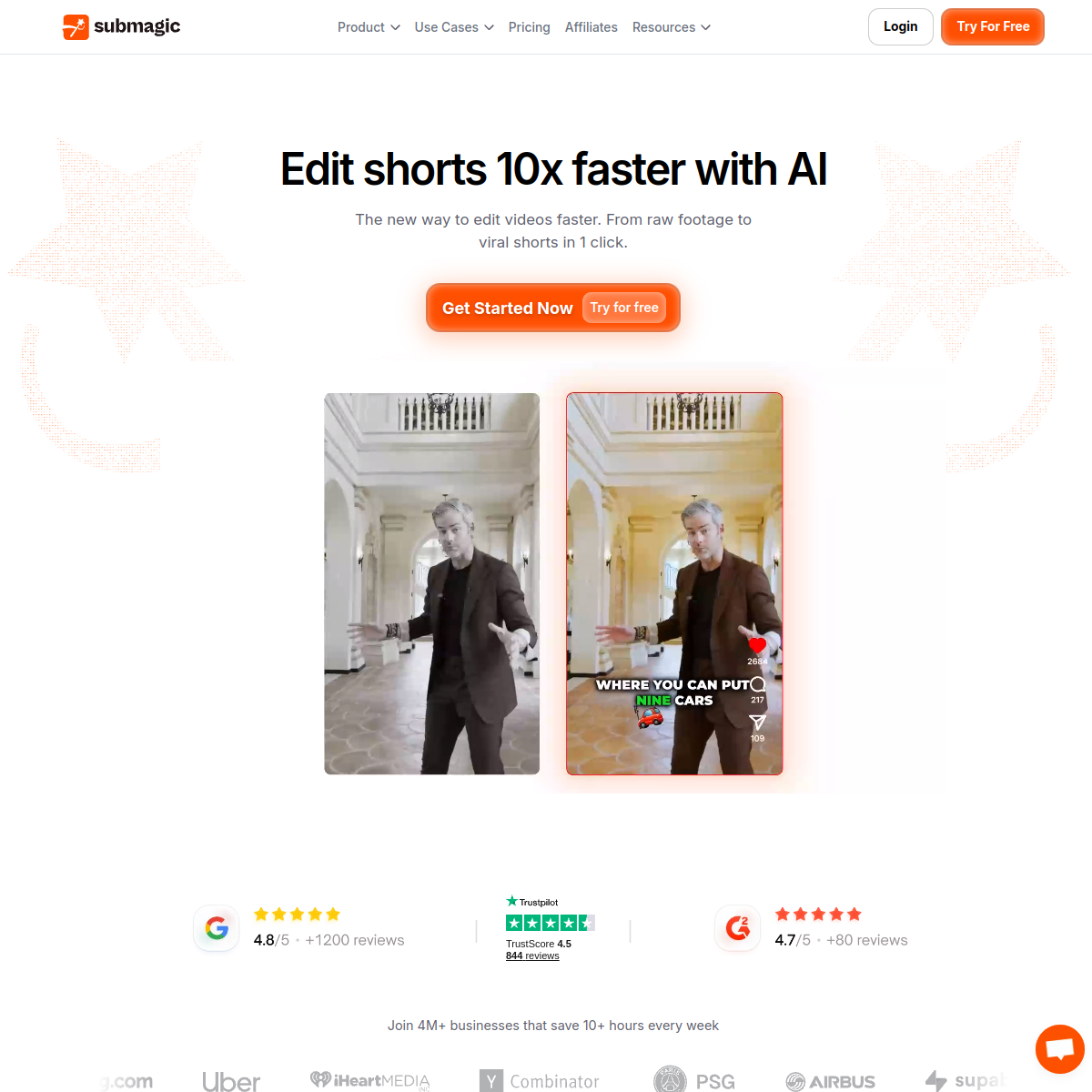
Submagic is the finishing half of a short-form workflow. It takes a clip and makes it look professionally produced, with animated, word-by-word captions at near-perfect accuracy across 123 languages, emphasis zooms that land on the beat, and auto B-roll and sound effects applied in a single pass.
It handles the back half of the job and expects another tool to do the front: it is excellent at finishing clips and weak at finding them, so it works best paired with a clipper like Opus Clip or Vizard that hands it the segment worth cutting.
What Submagic actually looks like
Scroll inside the panel to see the full homepage. Live screenshot — updates as the product evolves.
- Finishing and styling short-form clips
- Creators who want the animated, word-by-word caption look
- Adding zooms, B-roll and SFX in one pass
- Multilingual captioning across 123 languages
- Finding the clip inside a long recording
- Frame-level timeline editing
- Original footage creation
What Submagic Does Best
Animated captions
Word-by-word captions at near-99% accuracy across 123 languages, in the styles that drive watch time on muted feeds.
Magic Zooms
One-click emphasis zooms that land on natural speech beats, adding energy without manual keyframing.
Auto B-roll and SFX
Relevant B-roll and sound effects applied automatically, so a plain clip looks produced.
Quick tidy
Silence removal and light cleanup to finish a clip fast once the moment is chosen.
How Submagic scores on the five Spinoza metrics. How we score →
- Overall
- 4.1/5
- Editing Power
- 4.2/5
- AI Features
- 4.2/5
- Ease of Use
- 4.5/5
- Reliability
- 4.0/5
- Value
- 3.6/5
Submagic Pricing Plans
A free tier with a watermark to try it. Paid plans run from roughly $16/mo; the AI clip-sourcing add-on costs extra on top, so budget for it if you want Submagic to find moments too.
For solo creators
- No watermark
- Animated caption templates
- Magic Zooms and auto B-roll
- 123-language captions
For high volume
- Everything in Starter, plus:
- More monthly videos
- Team and brand features
- Priority processing
Opus Clip
The AI clipper that turns one long recording into a stack of short, vertical, ready-to-post clips and tells you which to post first.
CapCut
CapCut is the most capable free video editor on the planet, stacked with AI tools and templates. The privacy and ownership questions hanging over it are the price of admission.
Frequently Asked Questions
What is Submagic best at?
Finishing short-form clips: animated word-by-word captions, emphasis zooms and auto B-roll. It makes a plain clip look professionally produced in one pass.
Does Submagic find clips for me?
Only with its paid AI clip add-on, and even then a dedicated clipper like Opus Clip is sharper. Most people hand Submagic a clip they already chose and let it finish the job.
How many languages does Submagic support?
123 languages for captions, with high accuracy, which makes it a strong choice for multilingual creators.
Submagic or CapCut for captions?
Submagic is faster and more polished for the animated caption look out of the box; CapCut can match it for free with more manual work. Pick by whether you value speed or saving the subscription.
Ready to try Submagic?
Start free and judge the tool and its trade-offs for yourself.
Outbound link may be tracked. See affiliate disclosure.