Vizard
The clipper built for webinars, interviews and B2B talks, with deep brand control and pricing measured in upload hours.
The Spinoza Score
Reviewed by Kamran Arshad. See how we evaluate · Updated 2026-10-02.
- Category
- video editing
- Starts at
- Free
- Platforms
- —
- Launched
- —
- Last reviewed
- 2026-10-02
The best-value clipper for talk-heavy, long-form footage. Vizard trades a little viral instinct for deep brand control, generous minutes, and team features marketing needs.
Vizard is the clipper aimed at marketing teams and talk-heavy footage: webinars, interviews, panels and B2B long-form. It edits from the transcript, gives you exact control over caption brand styling down to hex codes and fonts, and prices by upload hours, which makes high volume affordable.
Opus Clip still has the sharper instinct for a viral moment and a cleaner reframe. Vizard's edge is value, control and the team features, like per-client brand kits and scheduling, that an agency actually uses.
What Vizard actually looks like
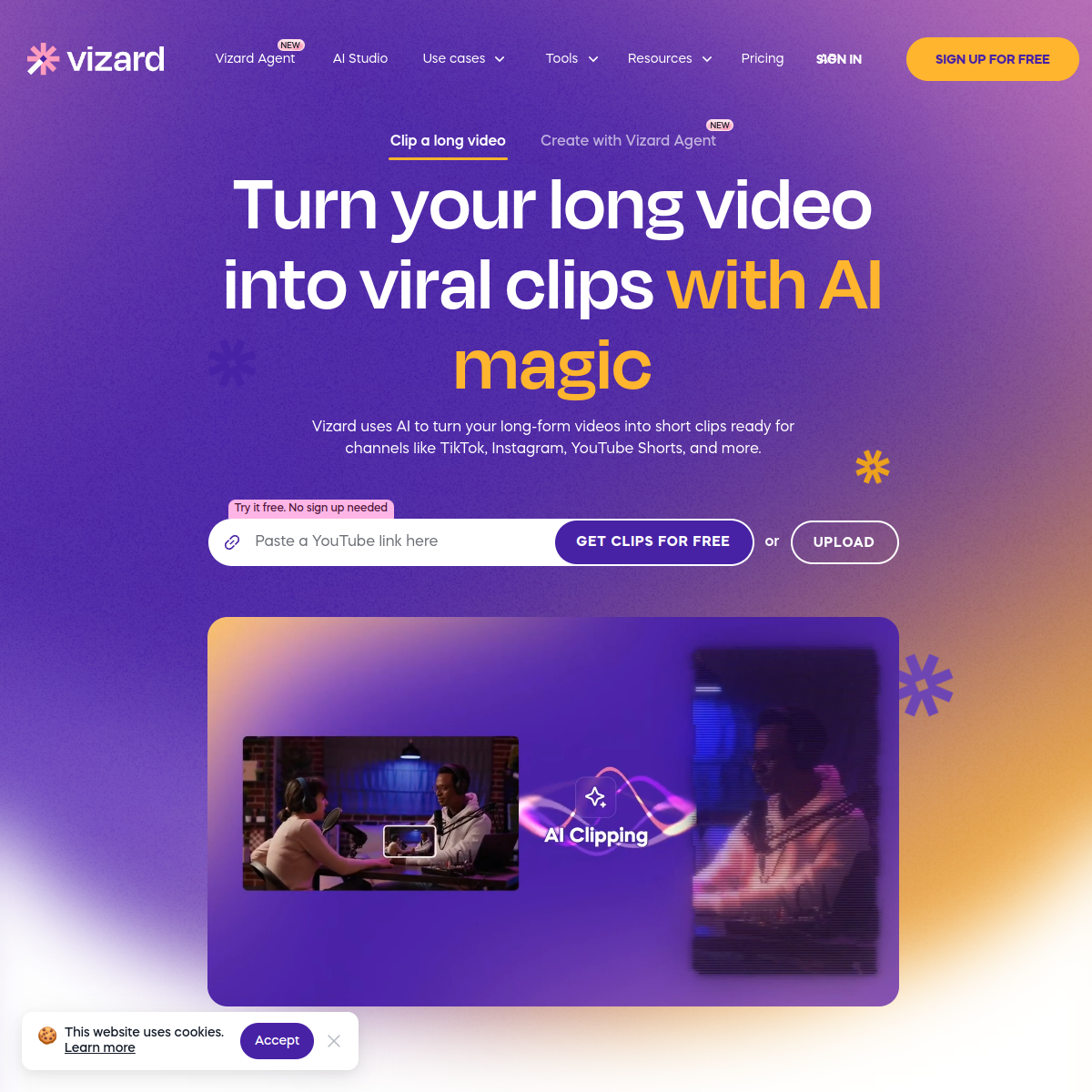
Scroll inside the panel to see the full homepage. Live screenshot — updates as the product evolves.
- Marketing teams clipping webinars and interviews
- B2B and talk-heavy long-form footage
- Agencies needing per-client brand kits
- High-volume clipping on a budget
- Pure viral short-form for entertainment niches
- Frame-level timeline editing
- Original footage creation
What Vizard Does Best
Transcript clipping
Edit and pull clips by reading the transcript, built for interview and webinar footage where the words carry the moment.
Brand-kit captions
Control caption fonts, colors by exact hex, and shadows, so every clip matches a client's brand.
Priced by upload hours
Generous monthly minutes measured by source length, which rewards talk-heavy, high-volume teams.
Team workflow
Per-client brand kits, scheduling and collaboration, so an agency can run many accounts from one place.
How Vizard scores on the five Spinoza metrics. How we score →
- Overall
- 4.1/5
- Editing Power
- 3.8/5
- AI Features
- 4.1/5
- Ease of Use
- 4.3/5
- Reliability
- 4.0/5
- Value
- 4.3/5
Vizard Pricing Plans
A free tier to test it, then roughly $16 to $20/mo. Pricing is measured in upload hours, so talk-heavy teams get a lot of clips for the money.
Test it on real footage
- Limited monthly upload minutes
- Transcript-based clipping
- Basic captions
Best for teams
- Everything in Free, plus:
- Generous monthly upload hours
- Brand-kit caption control
- Scheduling and team collaboration
Opus Clip
The AI clipper that turns one long recording into a stack of short, vertical, ready-to-post clips and tells you which to post first.
Submagic
The finishing tool that makes a short look professionally produced: animated captions, emphasis zooms and auto B-roll in one pass.
Frequently Asked Questions
What is Vizard best for?
Clipping long, talk-heavy footage like webinars and interviews, especially for marketing teams that need brand-controlled captions and high volume at a fair price.
Is Vizard better than Opus Clip?
For value, brand control and B2B volume, yes. For pure viral instinct and reframe quality on entertainment content, Opus Clip still leads. Many teams choose by whether they optimize for reach or for cost and control.
How does Vizard pricing work?
By upload hours rather than per clip, so the more source video you process, the better the value. There is a free tier to test it.
Does Vizard do brand styling?
Yes, deeply: exact hex colors, custom fonts and per-client brand kits, which is a major reason agencies pick it.
Ready to try Vizard?
Start free and judge the tool and its trade-offs for yourself.
Outbound link may be tracked. See affiliate disclosure.