I Tested 10 AI Anime Generators for Making Anime Shorts
Ten AI anime video generators ranked for character consistency, motion and dialogue, plus a step-by-step workflow for turning one scene into a finished anime short.

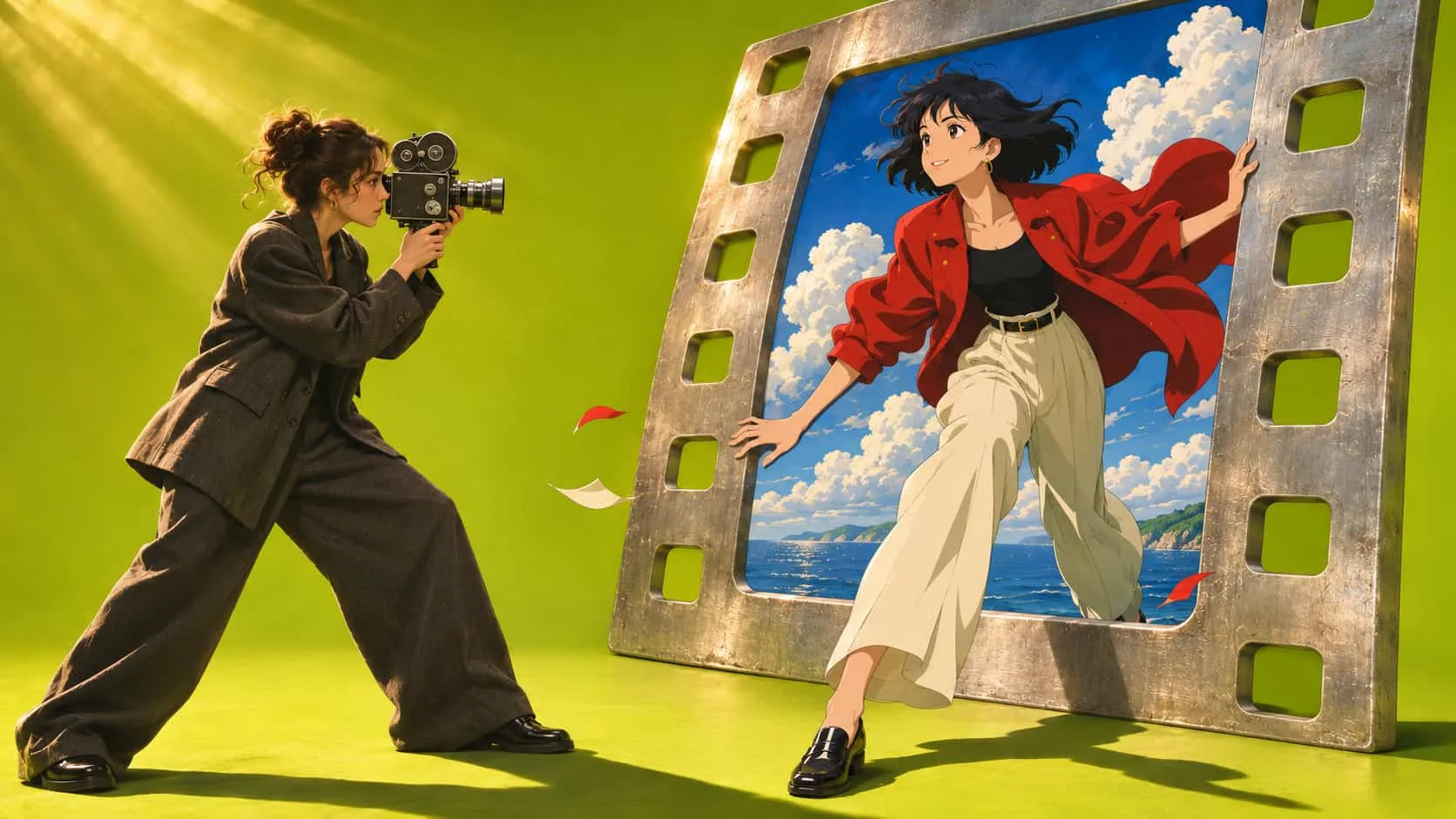
Creating an anime is becoming a realistic ambition for one person with a story and a laptop. AI anime generators now bring character design, animation, dialogue, and sound within reach of a solo creator. We've compiled a list of the 10 best AI anime generators after hands-on testing based on how they score on character consistency, physics and motion, dialogue and lipsync, and pricing per usable 10-second clip.
TL;DR
Vidu is where newbies should start. It is among the very few AI anime generator built with a text-to-video mode with a specially optimized anime style, and a reference-first workflow for character consistency.
Kling AI is worth for action-heavy scenes, where the quality of a shot depends on how bodies move, interact, and hold their shape. Higgsfield is the best all-in-one suite, with dozens of video models and purpose-built studios for anime filmmaking.
If anime is not the only genre you make, skip to our best AI video generator guide.
| Tool | Best for | Limitations |
|---|---|---|
| Vidu | Anime scenes with a fixed cast | Clips cap at 16 seconds |
| Kling AI | Fast anime action and long takes | The anime look comes from your references, not presets |
| Higgsfield | Anime art, animation and restyling in one suite | Credit cost changes with every model you pick |
| LTX Studio | Planning anime shorts with a recurring cast | Longer scenes need several clips and edits |
| OpenArt | Building anime stories with reusable characters | Slightly more expensive compared to Higgsfield for 3rd-party models |
| Runway | Acting a performance onto an anime character | You record the performance yourself |
| PixVerse | Anime styles with generated dialogue | 15-second clips; free tier is 540p |
| Dreamina | Anime action with Seedance 2.5 | No Kling models, the strongest engine for anime action |
| Luma AI | Restyling live action into anime with keyframe control | No free plan |
| Picsart | Beginners making a first anime story | Less shot-level control than the tools above it |
The 10 Best AI Anime Generators Ranked
We spent 25+ hours testing different AI video generation platforms to see which has the best workflow for anime. Below are our top picks for AI anime generation.
1. Vidu
Best for Anime scenes with a fixed cast of characters.
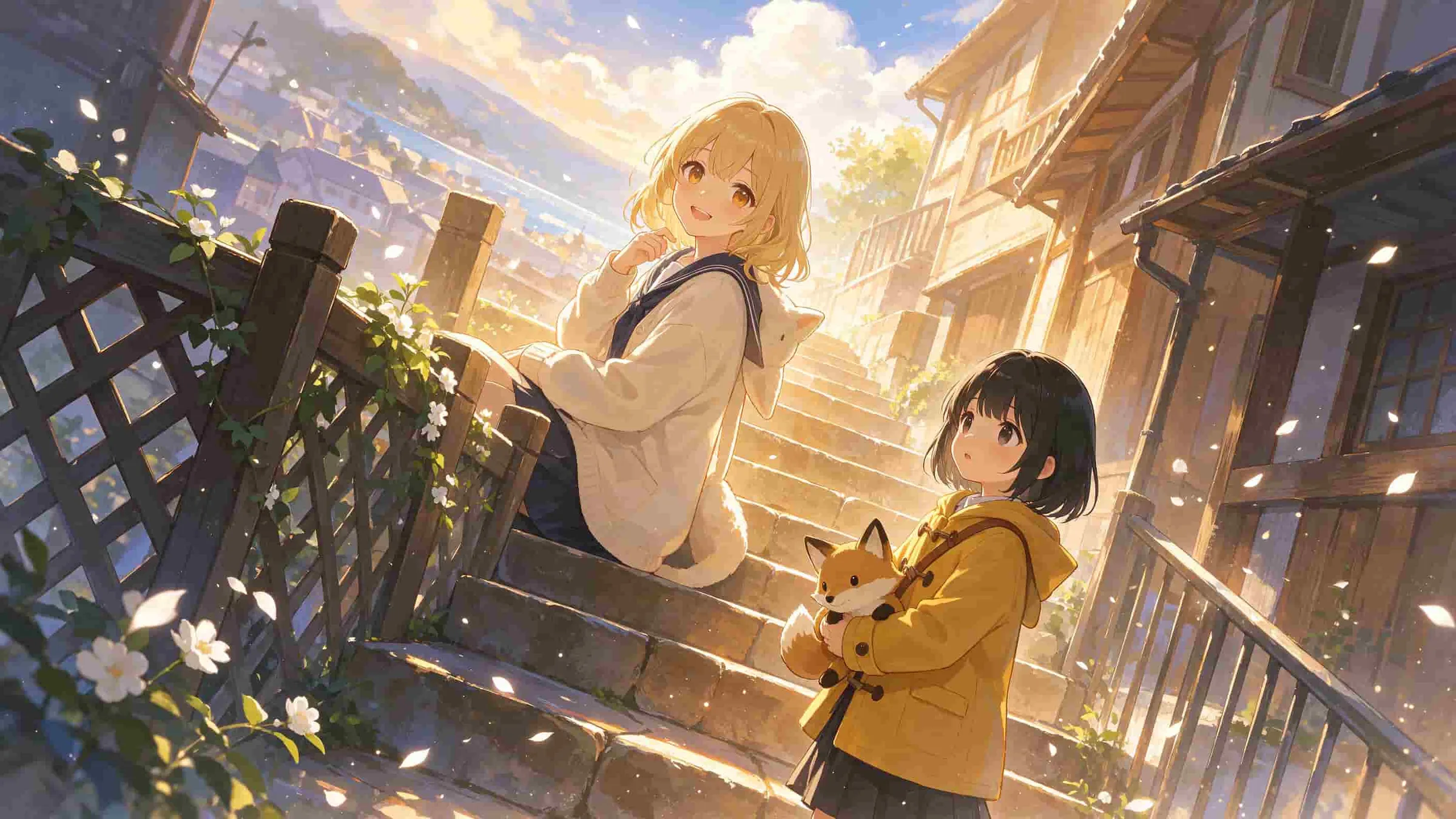
Vidu offers two text-to-video styles: a general style and a specially optimized anime style, which means that a plain text prompt starts from an anime look instead of drifting toward realism.
The bigger reason it ranks first is consistency it delivers for its pricing. Vidu's reference-to-video mode takes up to 15 references at once for multi-character videos, so two approved characters and a location can share one shot.
Vidu Q4 generates clips up to 16 seconds with dialogue, voiceover, sound effects and music produced together. Audio can be set to speech only, which helps when you plan to add your own music in the edit.
Pro Tip
Use flat, solid colors in 2D reference images, and generate backgrounds with no characters in them so no random passersby appears.
Limitations
16 seconds is the ceiling per clip, so a longer exchange has to be built from several generations.
To budget an anime short, see how much AI video costs per clip on every platform.
2. Kling AI
Best for Anime fights, chases and long continuous takes.
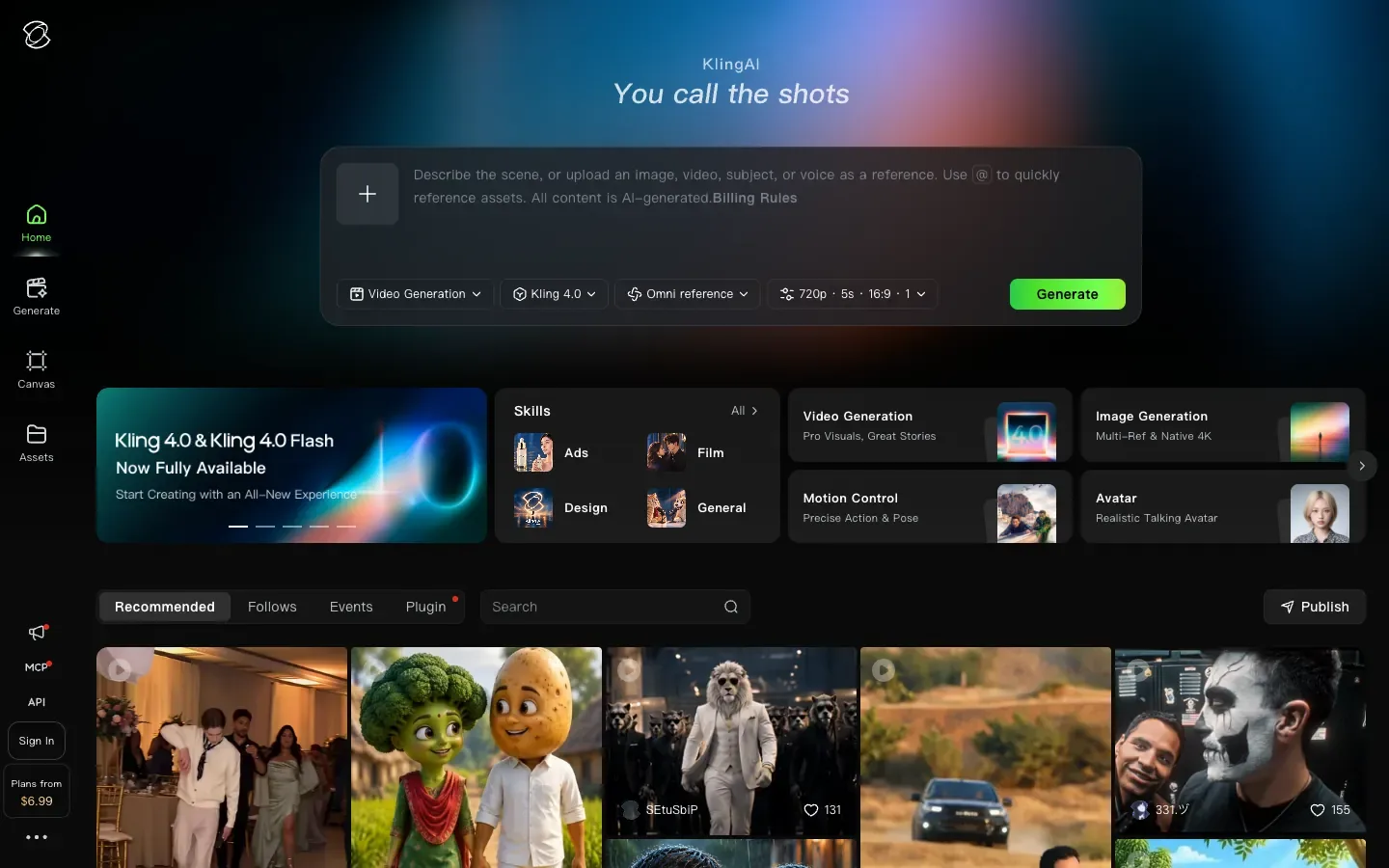
Kling 4.0 generates up to 30 seconds in a single pass, double Kling 3.0's limit. Kling is perfect for keeping fast action, tracking shots and orbit shots stable, which is exactly where anime action falls apart on weaker models: limbs smear and characters change between frames.
For planned choreography, Kling 4.0 accepts up to 10 keyframe images along the timeline, plus up to 15 reference assets in one generation, including voice references, stereo audio, and exceptional lipsync only second to Seedance 2.5.
Pro Tip
Pin the key poses of a fight as keyframes and let the model fill the motion between them.
Limitations
Kling is relatively more expensive as its output is way better than what you get from Vidu.
See what Kling 4.0 really costs per clip on each platform that runs it.
3. Higgsfield
Best when you need multiple video models at the cheapest price
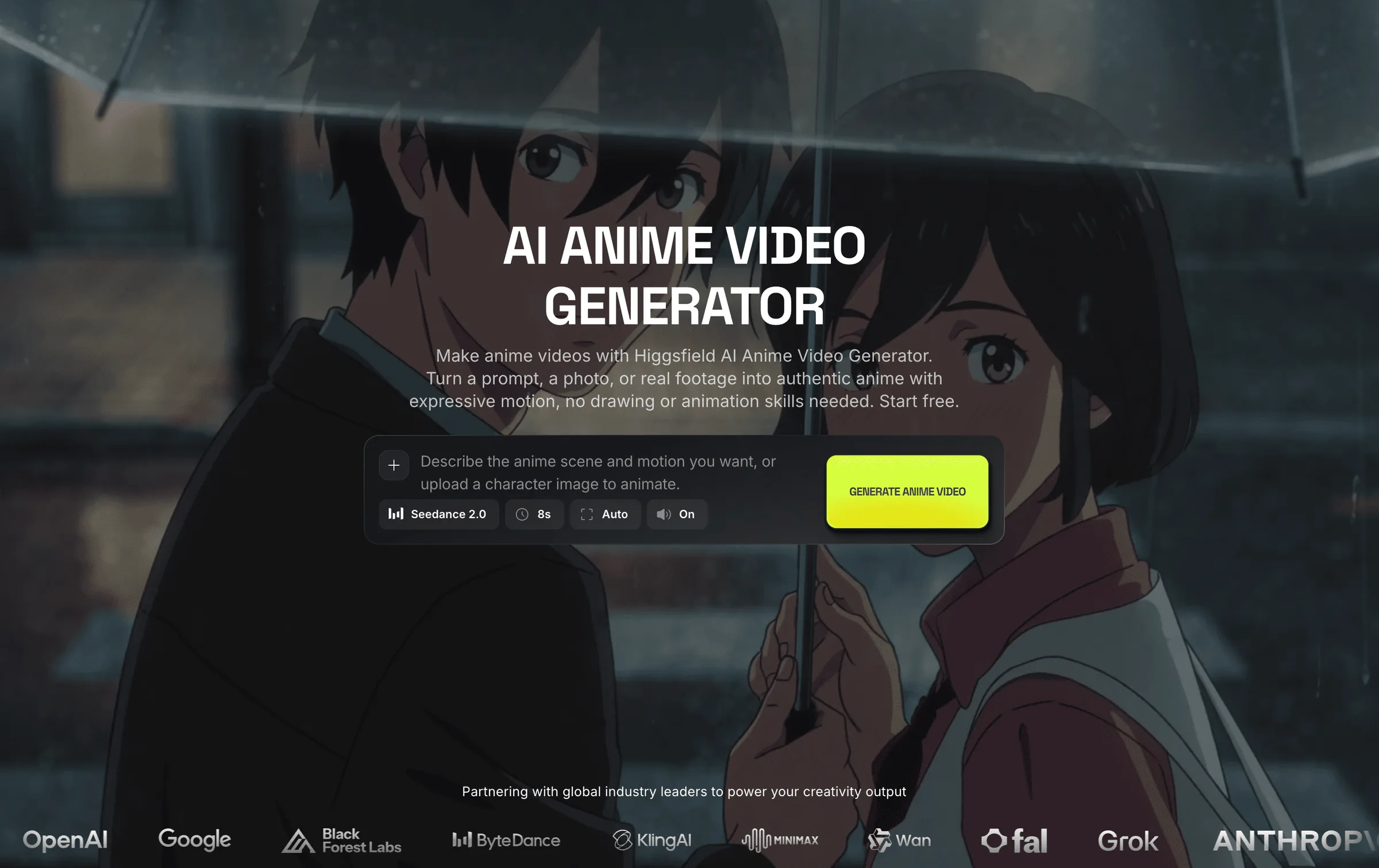
Higgsfield offers two routes for AI anime generation. The first starts with generating characters in Soul 2.0, generating keyframes and references, and animating them in Cinema Studio 4.0.
Cinema Studio 4.0 is where the directing happens. Clips run 4 to 30 seconds at up to 1080p, with up to 50 references per generation. It adds presets for genre (Action for fights, Drama for quiet scenes), tempo, camera movement, color palette and lighting.
The second route is Genjutsu, a video-to-video workflow. Upload a source clip of 4 to 30 seconds, pick an anime style such as Cel-Shaded CG Anime, and Genjutsu redraws the clip while keeping the original movement and camera.
Pro Tip
Characters made in Soul 2.0 can be saved and reused across a series, which is what an episode needs.
Limitations
Both Cinema Studio 4.0 and Genjutsu use Seedance 2.5 under the hood so the pricing per usable clip here is way higher than other options in our list.
For other suites, see our Higgsfield alternatives.
4. LTX Studio
Best for planning anime shorts with a recurring cast.
LTX Studio brings storyboarding, character references and video generation into one workspace. Its saved Elements let you reuse characters, objects and locations across shots, giving an anime short a consistent starting point.
First and last frames help guide the action, while audio-to-video lets you build a performance around supplied dialogue. LTX-2.5 also supports connected shots within one generation, designed to preserve appearance, voice and visual style across cuts.
Pro Tip
Finalize character designs and storyboard frames before generating video. Fixing a costume or background in a still image avoids spending video credits on the same correction.
Limitations
Saved references don’t guarantee continuity between generations. Clip length also varies: LTX-2.5 Fast supports up to 20 seconds at 720p or 1080p at 24/25 fps, while Pro tops out at 10 seconds. Longer scenes need several clips and an edit.
For still art only, see the best AI image generators.
5. OpenArt
Best for building stories with consistent characters
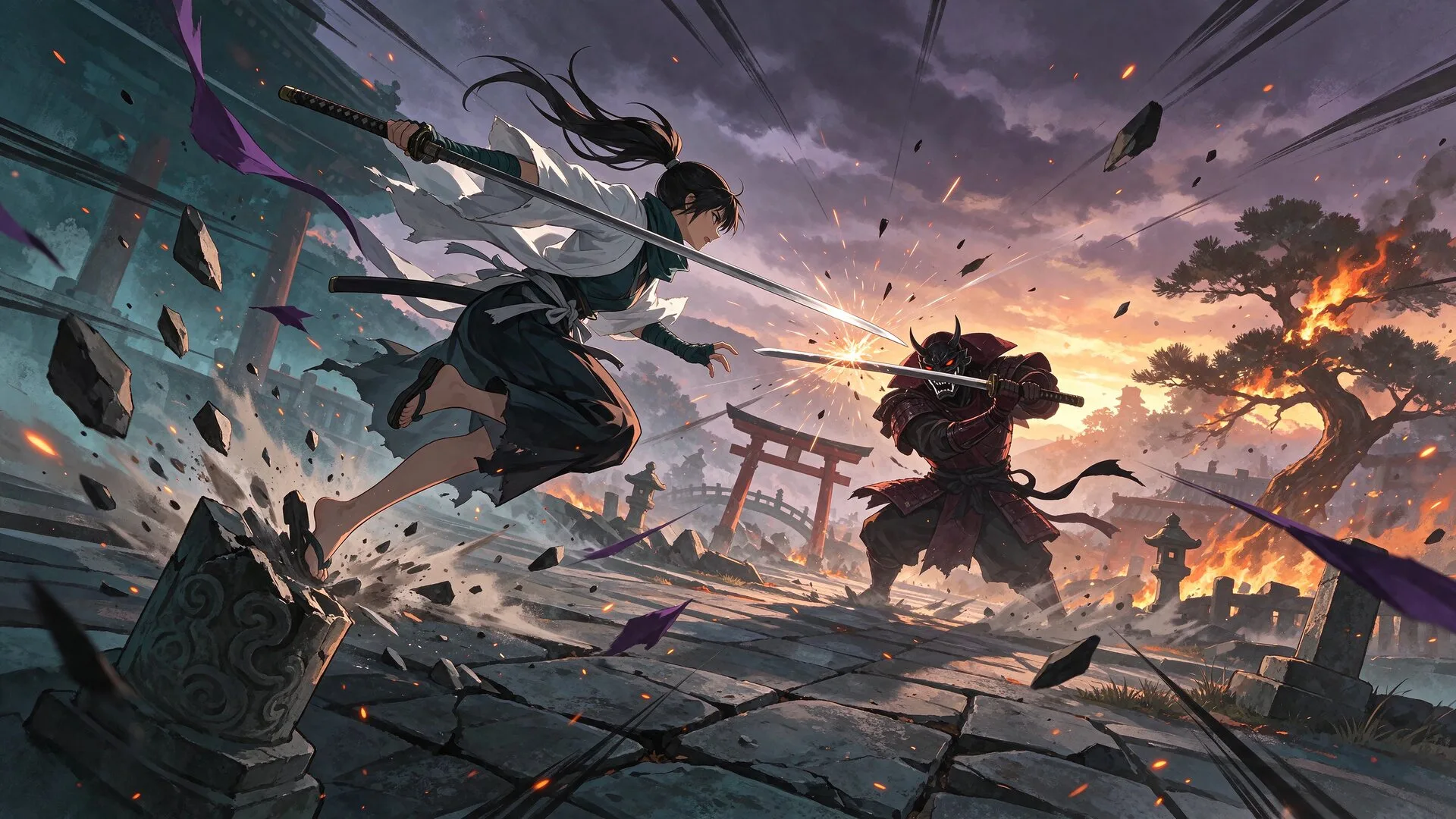
OpenArt starts with the cast. Create a character from a prompt or reference image, save it, then tag it in new image and video generations. For an anime short, that gives you a reusable reference as you move between close-ups, action shots and new locations.
OpenArt supports anime alongside other animation styles, with several image and video models available within the platform.
The appeal is having character creation and scene generation connected. You can develop the cast as still images, then reuse those characters when generating the footage—a practical workflow for an AI anime generator aimed at recurring stories.
Pro Tip
Approve your character’s face, outfit and proportions before building the storyboard. Reuse that saved character throughout, and check each scene’s still image before spending credits on animation.
Limitations
Like Higgsfield, OpenArt also uses multiple generation models, so motion, style and prompt handling depend partly on the engine you choose.
Read our OpenArt review or see OpenArt vs Higgsfield comparison to find out which creative suite fits your workflow.
6. Runway
Best for acting out a scene and transferring the performance.
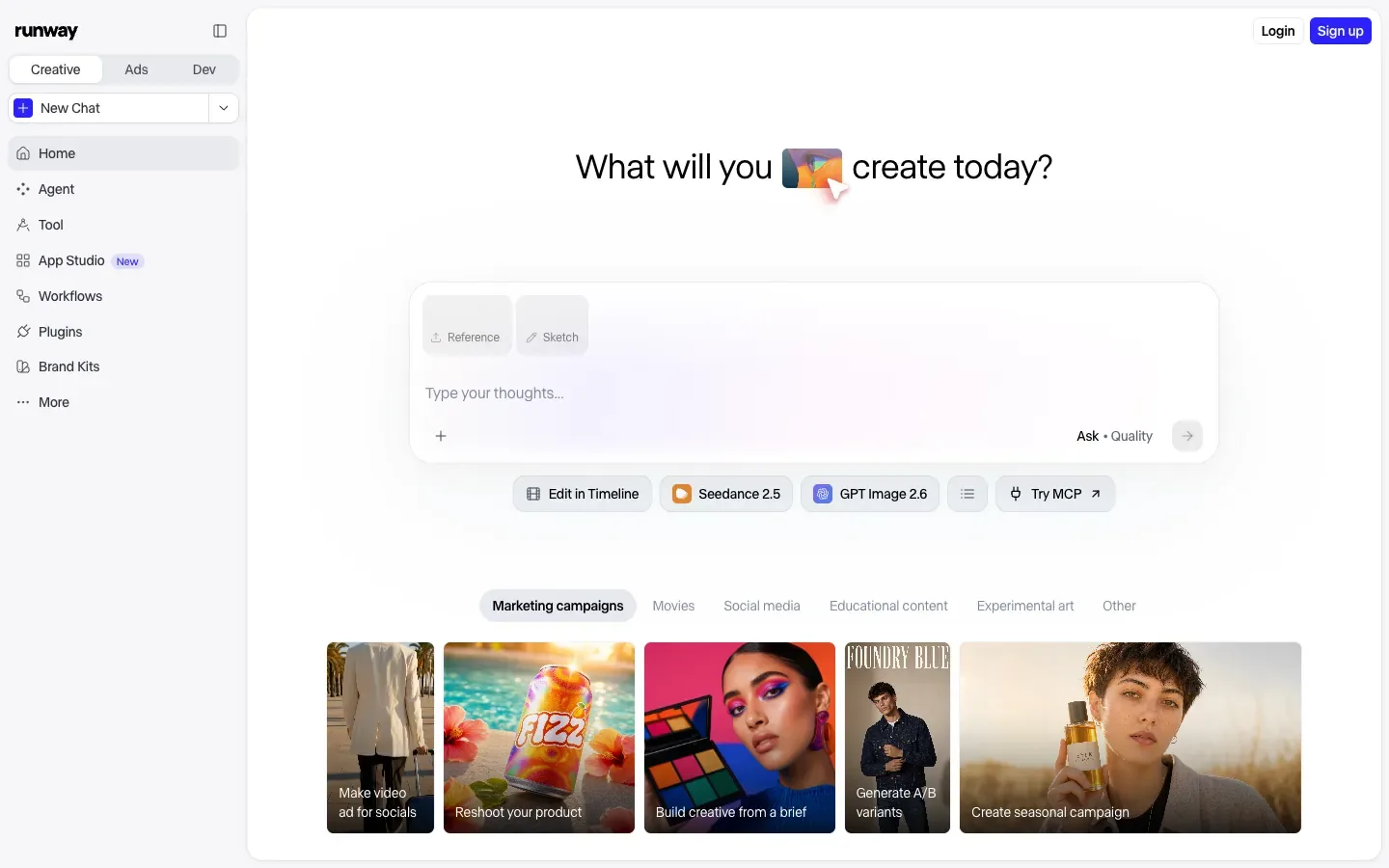
Act-Two from Runway takes a driving performance video plus a character image or video, and transfers the expression, speech and movement onto the character. It works with non-human characters and stylized looks and run up to 30 seconds.
This is how you direct acting instead of prompting for it. Record the pause before a confession or the glance away, and the character delivers it.
Pro Tip
For best results with expressions and dialogue, use a single subject framed waist-up or closer, with clear eyes and mouth.
Limitations
Act-Two animates one character per performance. Runway's own tutorial builds two-person dialogue from separate performances, so plan conversations as close-ups and reverse shots.
Pricing
$15 per month (Standard, billed monthly). A free plan is available.
7. PixVerse
Best for Anime-styled clips with generated dialogue.
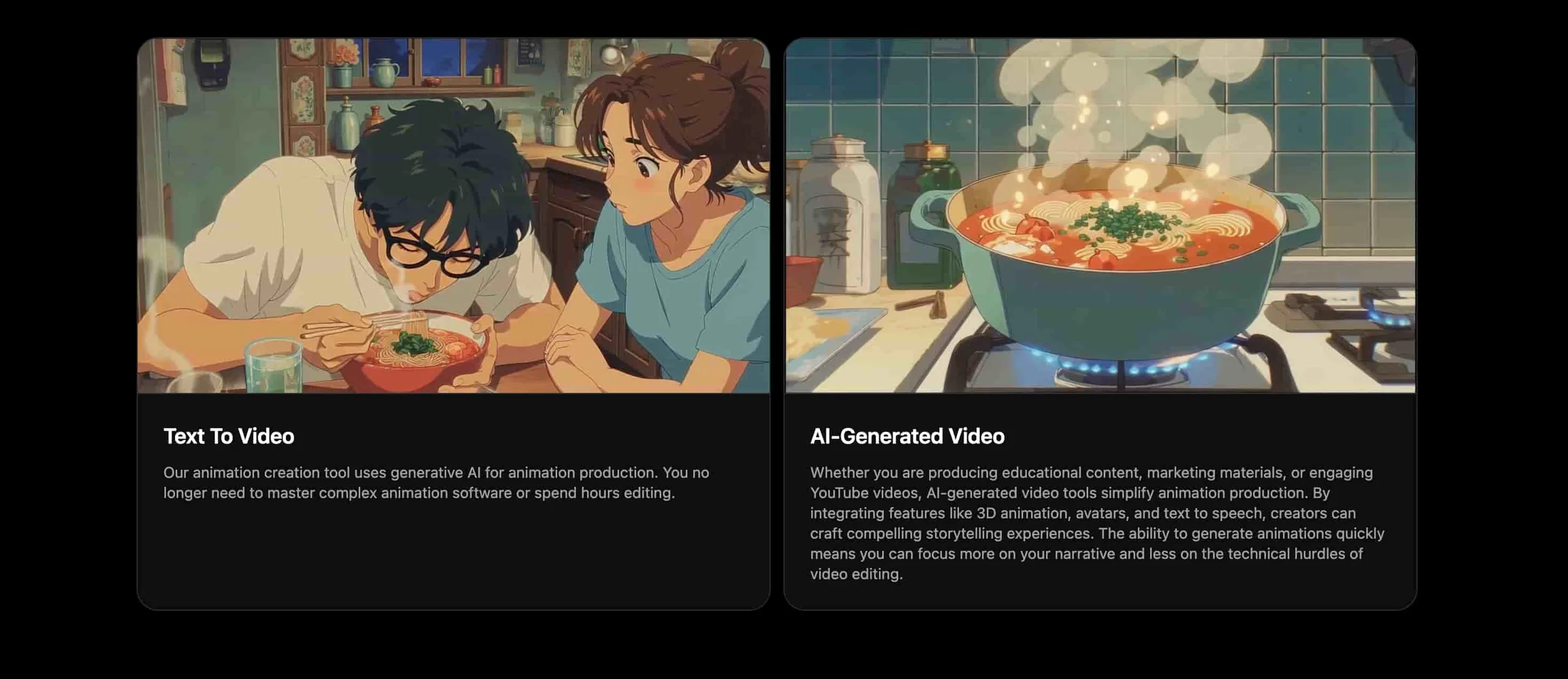
PixVerse offers anime as a style preset, alongside 3D, 2D cartoon and realistic looks. Its V6 model generates up to 15 seconds at 1080p, with native audio that covers spoken lines, sound effects and ambience. MultiShot builds several shots into one generation.
For anime action, PixVerse positions its C1 model for action, visual effects and anime work as C1 accepts comic-style panel grids as input.
Pro Tip
Use lip sync when you want a recorded voice instead of a generated one.
Limitations
Clips stop at 15 seconds. The free Basic plan is capped at 540p and watermarked. Paid plans starts from $10 per month (Standard, billed monthly).
8. Dreamina
Best for Anime action with Seedance video models
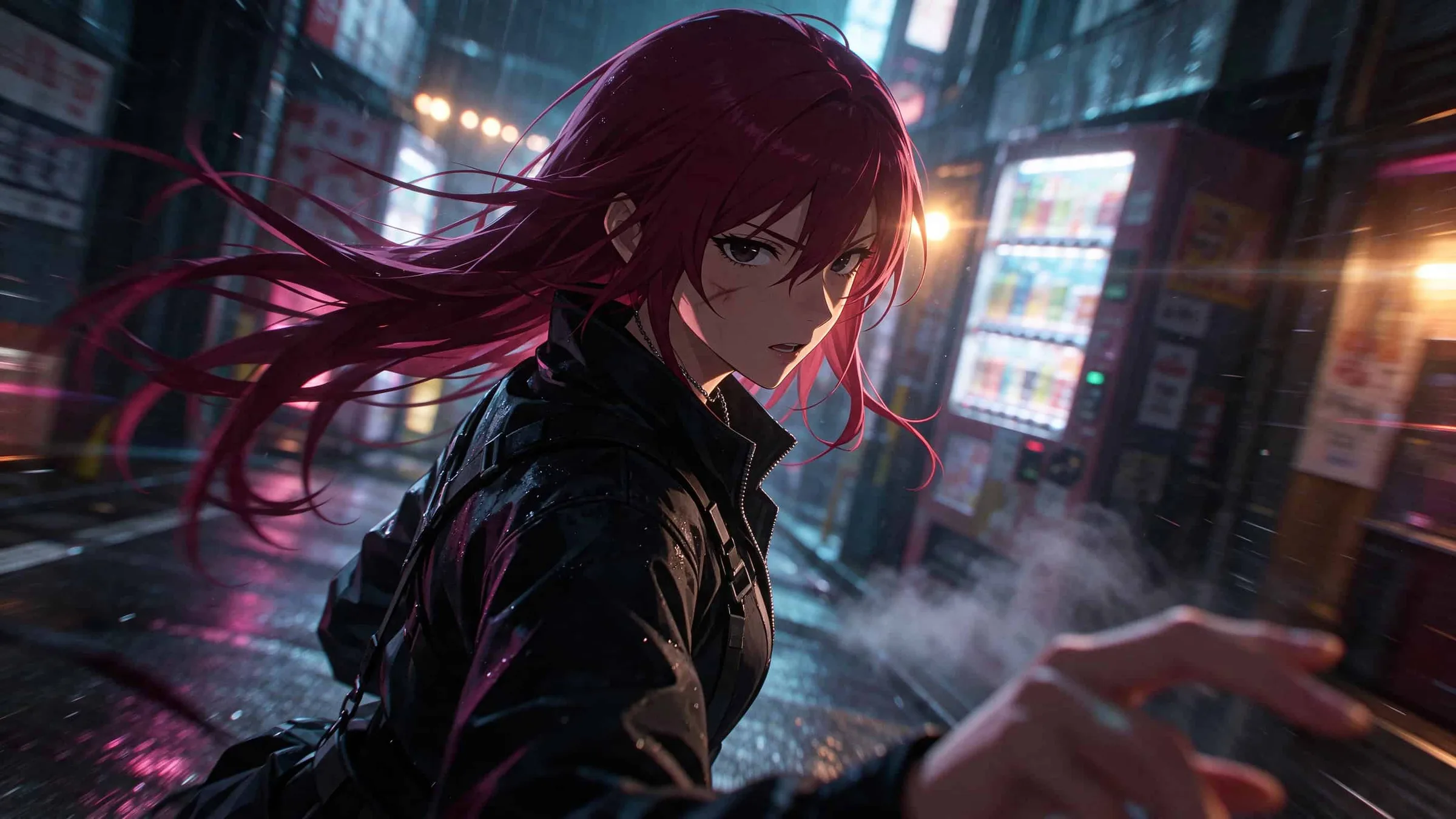
Dreamina is ByteDance's creative platform and hosts Seedance and Seedream models natively. It allows generating anime clips of up to 30 seconds in standard mode, with a beta long-video mode up to 180 seconds. A single generation accepts up to 50 inputs across text, images, video and audio, so you can feed it character sheets, a location and a voice line at once.
Dreamina's video-to-anime workflow uses Seedance 2.5 with an anime style reference attached to your footage, which keeps frames from drifting back toward realism.
Pro Tip
Use Dreamina only if you're serious about what you're making and are fine paying a premium to get the highest quality visuals.
Limitations
Dreamina uses Seedance video models, which are more expensive than Kling or any other models. It can be overkill for budget creators.
9. Luma AI
Best for restyling live-action footage into anime.
Luma's Dream Machine runs its Ray models where you can take a source clip of up to 20 seconds and returns a restyled version of the same clip with frame-level control.
You can also genrate images that work as keyframes and then animate them. It gives that handpainted look to your clips and is known for super-fast generation speed.
Pro Tip
Export frames from your source, restyle them as anime stills, then attach them at exact frame positions, so the prompt sets the style and the keyframes lock the moments that matter.
Limitations
The entry plan costs more than most tools here, $30 per month. But its dollar per usable output ratio is among the lowest here and totally worth it if you know what you're making.
10. Picsart
Best for beginners making a first anime story.
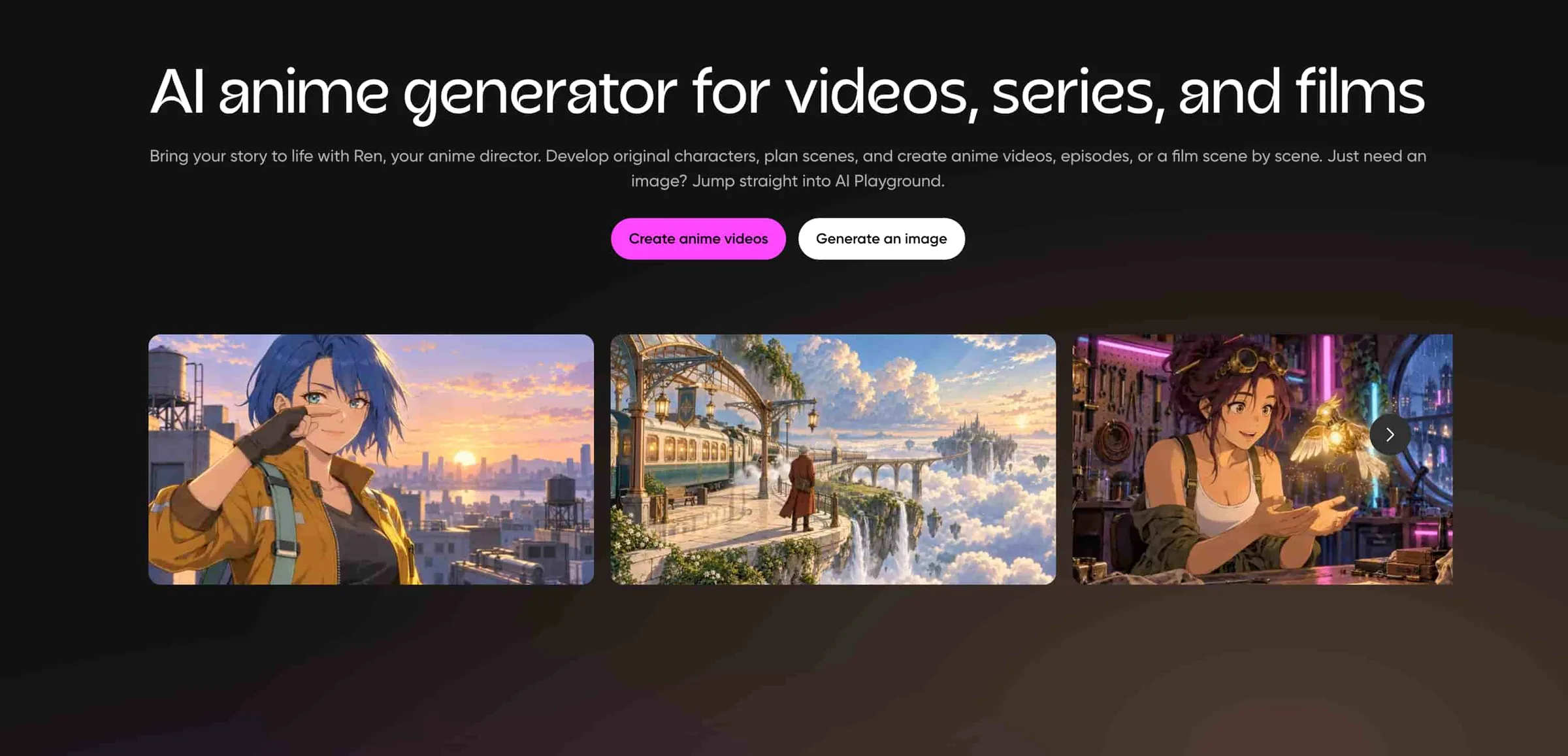
Picsart is the easiest way in. Its anime generator is built around Ren, an AI anime director. Picsart offers '90s, '80s, Pink portrait and Pop art anime looks. The Pro plan includes Seedance 2.0 for clips up to 15 seconds, and Ultra adds Seedance 2.5 for clips up to 30 seconds.
Pro Tip
Start with an idea, a photo or a clip, and let Ren help you shape the characters and look, write a script and shot list, generate the shots, and review the cut and sound.
Limitations
The guided flow trades away shot-level control. Once you need keyframes, multiple references or performance transfer, move up this list.
For more studio-style tools, see the best AI filmmaking platforms.
AI Anime Art Generator vs Anime Video Generator
An AI anime art generator makes stills: character sheets, backgrounds, key frames. An AI anime video generator adds movement, timing and often sound. For anime video, you need both.
Video prompts are poor at fixing exact details like a hair clip or a collar, while a still is easy to approve before you spend video credits.
The reliable order is to approve the art, then animate it. Higgsfield's Soul 2.0 handle the art step, and Picsart's Ren develops characters and a look before it makes any video. The video tools above take it from there.
How to Make an Anime Video with AI
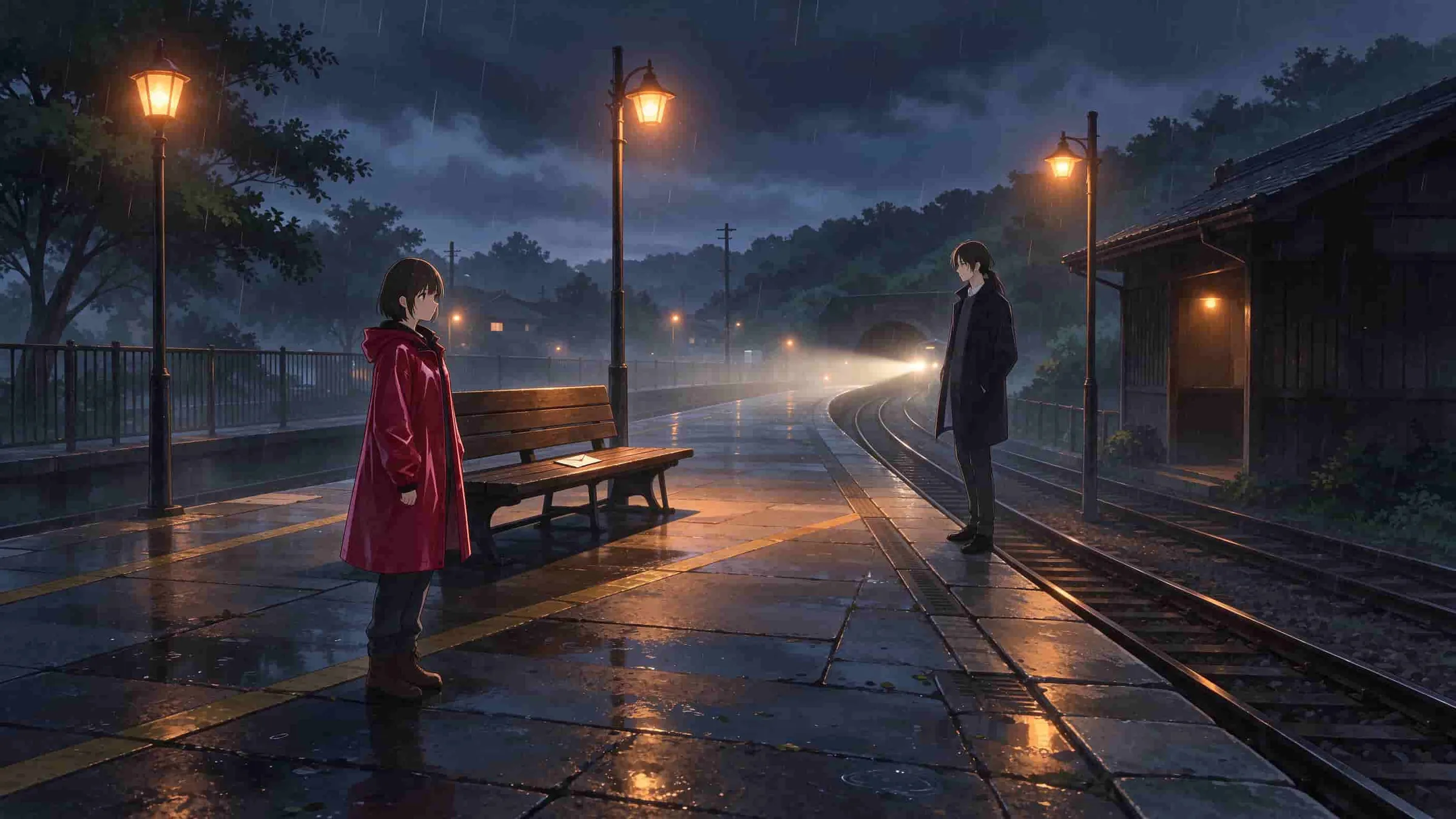
The example scene: On a closed railway platform at night, Aya hands Ren a sealed letter. He recognizes the handwriting and refuses it. She leaves it on the bench. A train arrives, and neither of them moves.
Two characters, one location, one prop, one turn in the relationship. That is the right size for a first anime short. For the general version of this workflow, see how to make an AI short film and our AI filmmaking guide.
1. Write a 30-second shot list
Ask any AI chat assistant to break the scene into shots:
| Time | Picture | Sound |
|---|---|---|
| 0-4s | Wide shot of the empty platform, Aya and Ren facing each other | Rain, a distant train |
| 4-9s | Aya in medium close-up, letter held against her coat | "She asked me to give you this." |
| 9-13s | Insert: Aya places the letter on the bench beside Ren | Paper touches wood |
| 13-19s | Ren looks at the handwriting, then at Aya | "You should have burned it." |
| 19-25s | Aya's reaction as she withdraws her empty hand | "I almost did." |
| 25-30s | Wide shot as the train light sweeps over both | Train arrives; the letter stays on the bench |
2. Approve the character sheets
Generate Aya and Ren separately, each in a front view, a three-quarter view and a profile. Keep the identifying details simple and few:
Aya
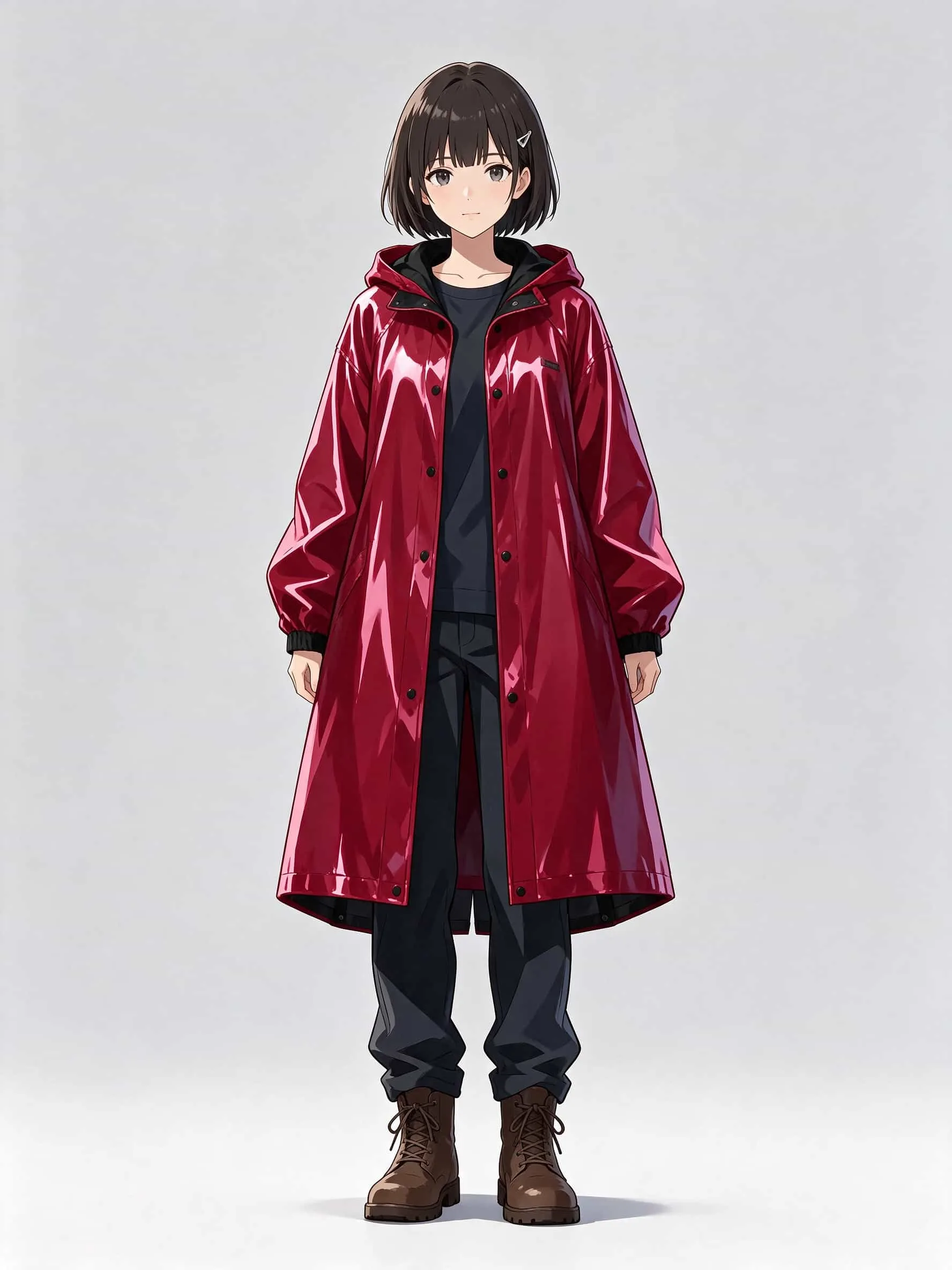
Short dark bob, red raincoat with a black collar, small silver hair clip on the left.
Ren
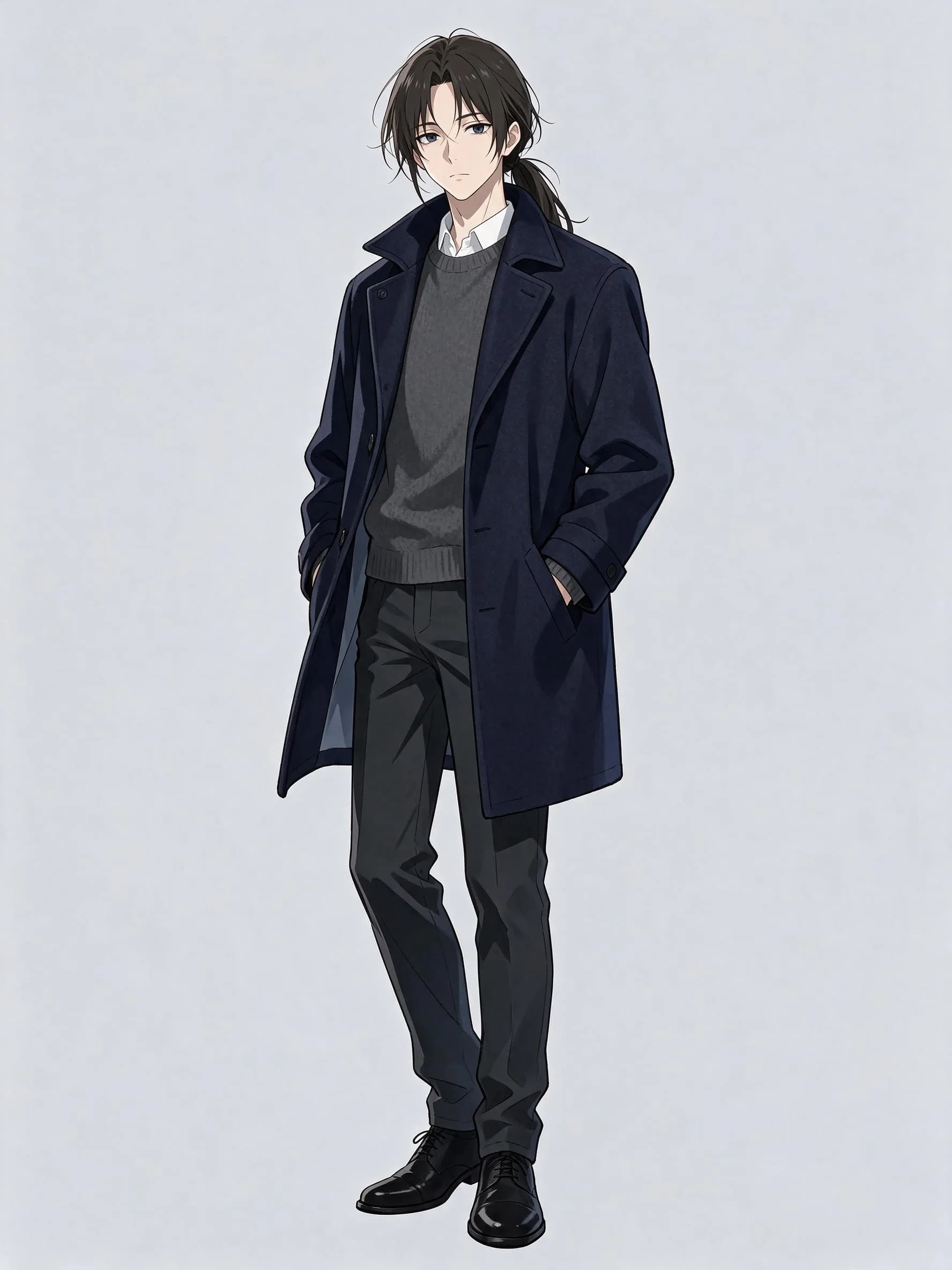
Longer hair tied back, navy coat.
Save only the approved images in your reference folder. Rejected variants left in the folder end up as references by mistake.
3. Build the location once
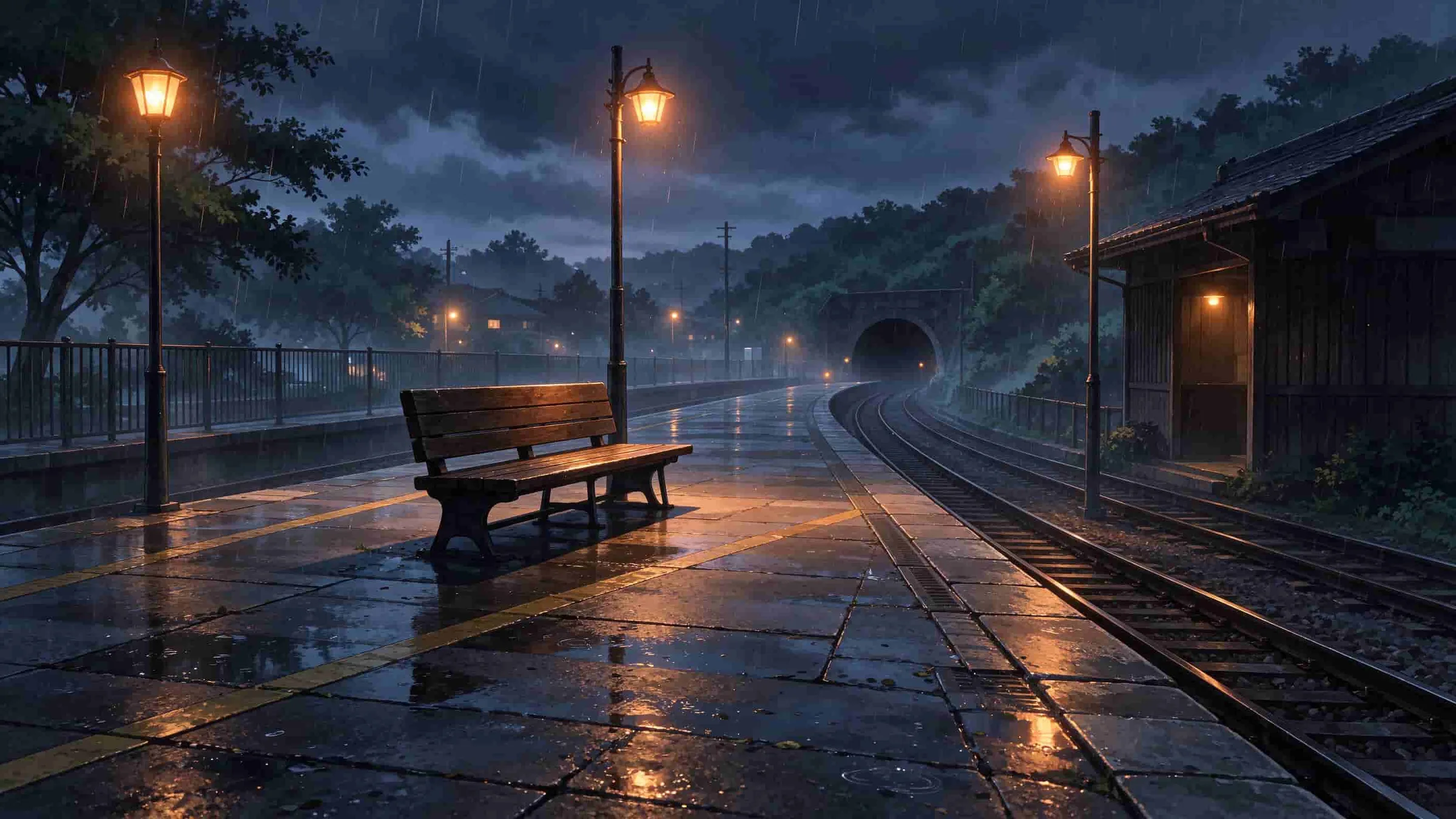
Generate the platform with no characters in it. Decide where the bench sits, which side the train comes from and where the lamps are. Then write a continuity note: Aya screen left, Ren screen right, the letter ends on the bench between them, train light enters from background right. Every shot prompt follows that note.
4. Write a still prompt, then a motion prompt
Make the still for each shot first, then animate it. The two prompts do different jobs. The still prompt describes how the shot looks:
The motion prompt describes only what changes:
5. Use first and last frames for the letter
The letter insert has a precise endpoint, so give the model both ends: a first frame with the envelope in Aya's hand and a last frame with it resting on the bench as her hand pulls away. Keep both frames at the same angle and lighting.
First and last frames fix the endpoints, not the motion between them. If the handoff still breaks, start with the envelope already touching the bench, animate only the release, and cut to Ren.
6. Choose the voice workflow before the talking shots
Decide once, for the whole scene:
Native audio
The model generates the line with the picture. Fastest, but the voice can change between shots.
Recorded or generated voice first
Lock each character's lines as separate audio files, then lip-sync to them. Best when the same voice has to return across scenes.
Performance transfer
Act the line yourself and transfer it with Runway Act-Two. Best when the timing of a pause or a glance carries the scene.
Lip-sync works best on a clear, unobstructed face, so frame talking shots accordingly.
7. Edit before you regenerate
Put the first acceptable takes on a timeline straight away. Let Ren's line start over the letter insert, and keep the station ambience running under every cut. Many problems disappear in the edit: a stiff reaction is fine when it plays under the other character's line.
Regenerate only when the shot gets story information wrong, such as the letter in the wrong place or the wrong character speaking. CapCut handles this assembly well (read our CapCut review); see the best AI video editors for alternatives.
Comparing two tools? Run the same three shots on both: Aya speaking, the letter touching the bench, and Ren from a second angle. Use the same approved assets, resolution and spending limit. Record attempts, total cost and seconds you would keep. The tool with more usable seconds per dollar wins, not the one with the best single frame.
How Much Does AI Anime Generation Cost?
AI anime generation pricing can be confusing for newbies. Different platforms have different pricing and credit economics. And then the retakes also add up to the cost. If one take in three is usable, every usable clip costs three times the listed price.
Cost per finished minute = total spend (images, rejected takes, voices) ÷ minutes that make the final cut
For real per-clip prices, our AI Price Index converts each platform's credits into dollars on regular monthly plans. A 10-second Kling 4.0 clip at 1080p costs $1.63 on Kling AI and $2.75 on Runway.
So the 30-second platform scene above, whether you generate it as six short shots or three longer ones, is roughly three 10-second clips' worth of Kling 4.0 at 1080p: about $4.89 on Kling AI if every take works. Keep one take in three and it is about $14.67.
Compare Kling 4.0, Seedance 2.5 and cheaper models such as Gemini Omni Flash before you choose a plan.
Common AI Anime Mistakes & How to Fix Them
1. The character's outfit changes between shots
Use the same approved reference set for every shot, and keep identifying details few and simple.
2. The hand passes through the prop
Split the action. Show the object already in contact, animate only the release, and cut away.
3. The voice changes between scenes
Stop relying on native audio for recurring characters. Record or generate each character's lines first, then lip-sync to them.
4. The style drifts toward realism
Put the style in the starting image, not just the prompt, and attach an anime style reference where the tool supports one.
5. Strangers appear in the background
Generate the location without characters and use that empty plate as the location reference.
6. Credits run out before the scene is done
Edit the takes you have before regenerating anything, and regenerate only shots that get the story wrong.
The Verdict
Vidu is the best AI anime generator overall with an anime-optimized text-to-video style and reference-first scenes that keep a cast together. Kling AI is the top pick for anime action and long takes. Higgsfield is the best all-in-one suite which you can use for AI anime generation too.
Use Luma AI when you need keyframe control. For acted dialogue, use Runway Act-Two. New to all of this? Start with Picsart. Whatever you choose, approve the stills before you animate, and edit before you regenerate.
For every other kind of video, see our full AI video generator ranking.
FAQs
Is Midjourney good for anime?
Yes, for anime art. Niji 7 is Midjourney's dedicated anime model. Midjourney can also animate any image into a clip of up to 21 seconds, but Style References do not carry into video, so the look must already be in the image you animate.
Can I make an anime video from text?
Yes. Every tool on this list accepts text prompts, and Vidu documents a specially optimized anime style for text-to-video. For recurring characters, generate and approve still images first, then animate them. Text alone rarely keeps a character the same across shots.
What is the Best Free AI Anime Video Generator?
No free tier covers a full anime short. PixVerse has the clearest free plan: 60 starting credits plus 30 daily credits, at up to 540p with a watermark. Kling AI and Dreamina offer free daily credits, and Runway has a free plan too. Use free credits to test a workflow, not to finish an episode.
Can I animate manga panels with AI?
Yes, with image-to-video, as long as you own or have the rights to the panels. Clean the panel first: remove speech bubbles and sound effects, and crop to a single frame. Ask for restrained motion, such as hair, eyes and a small camera push. PixVerse says its C1 model accepts comic-style panel grids and turns them into a continuous sequence.
How do I keep anime characters consistent across scenes?
Build a character sheet with front, three-quarter and profile views, and reuse it in every shot. Vidu's multi-reference mode, Higgsfield's saved Soul 2.0 characters and Kling 4.0's 15-reference limit are built for this. Keep identifying details few and simple, and generate locations without characters.
Which AI is best for anime lip sync?
Runway Act-Two, when you can act the line yourself: it transfers your expression and mouth movement onto the character and supports stylized, non-human designs. For generated dialogue, Kling 4.0 lists improved lip-sync. PixVerse and Domo AI both offer a separate lip sync tool for recorded voices.
What is the best AI anime video generator overall?
Vidu. It pairs a text-to-video mode with a specially optimized anime style with reference-to-video that holds up to 7 references, so a whole cast stays on model. Kling AI is the stronger choice for action, and Higgsfield for an all-in-one suite.